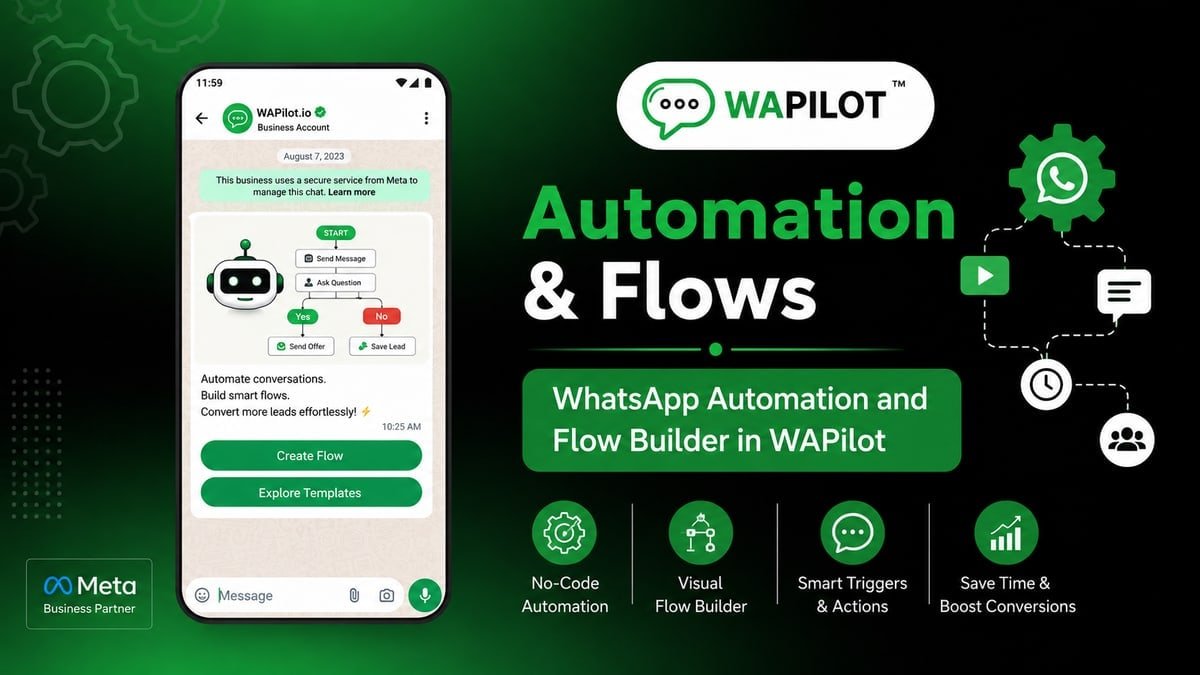
AI support handoff is the canvas job SaaS support should ship this week. Confidence never tripping, so AI keeps guessing refunds? Wrong trigger or no Assign Agent wastes spend and nights.
If you own the shared inbox at SaaS support, this canvas is your problem. Developers can sit this one out.
We review the SaaS support path the same way: trigger, short copy, Assign Agent, live test—then maybe more nodes.
This is Cloud API, not a grey sender. SaaS support still obeys windows and templates.
FAQ buttons before AI when you can. AI for leftovers with escalate words. That is enough setup talk for SaaS support before the first heading.
AI support + handoff: set a threshold or keyword list, then Assign Agent. Containment is not the goal. SaaS support should treat that sentence as the job, not a slide title.
SaaS support already saw this fail: AI invented a feature the product lacked The recovery was knowledge clipped; unknown → agent
What is AI support handoff?
Sources: Meta Cloud API send-messages and messaging limits. SaaS support fails on policy more often than on missing icons in AI Agent, Assign Agent, Interactive Buttons.
AI support + handoff: set a threshold or keyword list, then Assign Agent. Containment is not the goal. On the canvas you place AI Agent, Assign Agent, Interactive Buttons. SaaS support teams finish one job, then use Assign Agent when the customer sends a photo or a rant.
This is not a campaign. Canvas setup for SaaS support: WhatsApp Flow Builder.
In this series — Part 3 of 5 (Support & Welcome). Previous: paid vs organic. Next: NPS feedback flow. Series start: welcome new contact.
Which steps actually matter on day one?
Name it like ai-support-handoff-con_v1. Steal a preset if SaaS support matches. Every tap needs an edge.
- First. FAQ buttons before AI when you can.
- Then. AI for leftovers with escalate words.
- Next. Assign Agent on complaint, payment, legal.
- After that. Review failed AI weekly.
- Finally. Staff the queue you escalate into.
In a SaaS support thread (2026), the failure was concrete: AI invented a feature the product lacked. The rewrite that stuck was knowledge clipped; unknown → agent. Repeat that, rather than adding decorative palette icons.
SaaS support only needed AI Agent, Assign Agent, Interactive Buttons on the happy path. Day-one order: FAQ buttons before AI when you can. After the hello: AI for leftovers with escalate words.
Assign Agent on complaint, payment, legal. Do that before you add another Condition. SaaS support already tried the pretty version.
The adult move: Review failed AI weekly. After that, Staff the queue you escalate into. Assign Agent remains the escape when the answer is messy. See also shared WhatsApp inbox.
Where does this journey usually break?
Attributed example, from a WAPilot SaaS support workspace (2026): AI invented a feature the product lacked. knowledge clipped; unknown → agent
Recovery was boring: shorter copy, honest Assign Agent, and knowledge clipped; unknown → agent. Quality stopped sliding.
Rule sources: templates when silent; send-messages when the window is live; limits if SaaS support nags. Read those before stacking Delay after AI Agent.
When should this not be a flow at all?
How we know: when this canvas double-texts Flow Builder at SaaS support, we see it in the same thread the agent sees.
Turn AI Reply off on the same trigger SaaS support uses, or you greet twice. Priority is a setting, not a wish.
STOP and quiet hours bind this SaaS support path. If campaigns already suppressed the contact, do not continue the pitch here.
QA with a photo, “ok”, and “agent”. Empty Responses at SaaS support usually means the Ask or webhook never saved after AI Agent.
A typical SaaS support publish went wrong because AI invented a feature the product lacked. Changing the graph to knowledge clipped; unknown → agent stopped the screenshot pile-up.
Palette for this job: AI Agent, Assign Agent, Interactive Buttons. If a node is not in that list, it waits for v2. Start with this: FAQ buttons before AI when you can. Then: AI for leftovers with escalate words.
Unglamorous but required: Assign Agent on complaint, payment, legal. Without it, AI Agent, Assign Agent, Interactive Buttons sit unused and the customer still stalls.
Review failed AI weekly. Staff the queue you escalate into. If neither is on the canvas, SaaS support will staff chaos from a phone gallery.
FAQs
How long does recovery take after you stop a bad SaaS support path?
Stop it, staff the inbox for SaaS support, template only when needed. Rating can take days. Delay nodes do not rewrite Meta’s window.
What if AI is off after hours?
Then the flow should say hours and queue, not pretend. Handoff in the morning is honest; fake live AI is not.
What if the flow must speak tomorrow morning?
Delay until a weekday, then a utility template if SaaS support went quiet. Do not assume session is still alive after AI Agent.
Does handing the chat to an agent reset the window on a shared number?
No. One thread, one clock. Two brands on one WABA share quality too. Split numbers before SaaS support collides with another brand’s promos.
this journey only counts live. When you want AI Agent on official Cloud API for SaaS support, start a free trial on WAPilot.