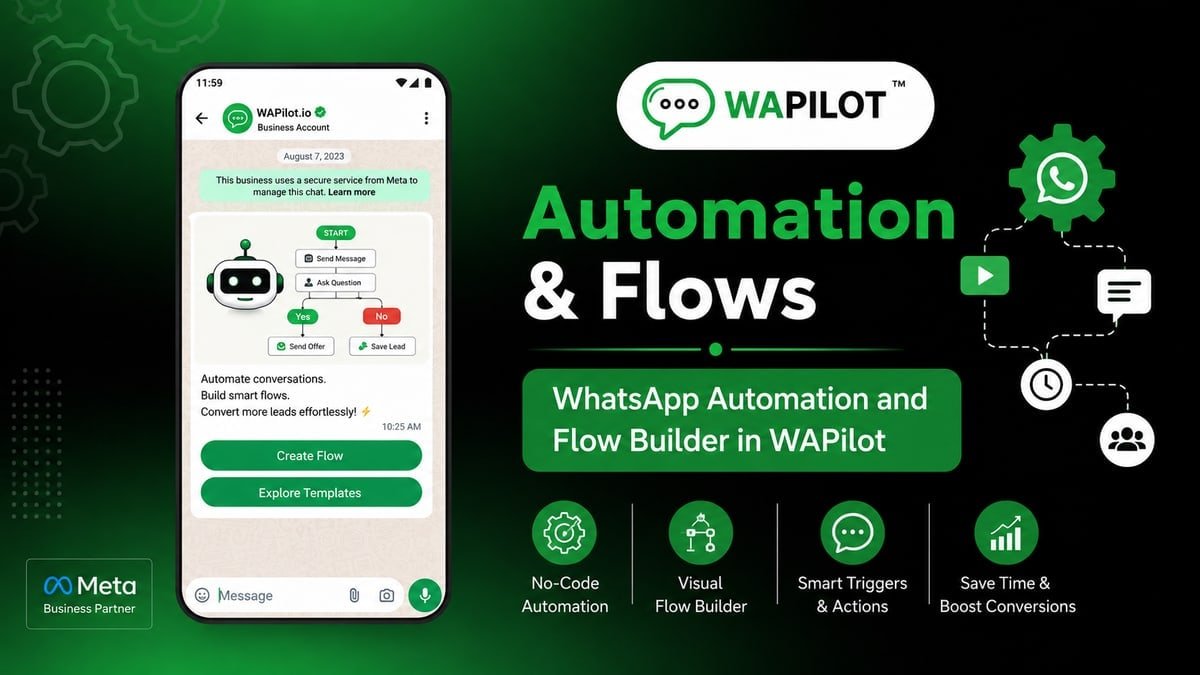
flow template library is the canvas job new partner implementer should ship this week. Blank canvas pride while a clinic template already has booking wired? Wrong trigger or no Booking Flow wastes spend and nights.
Written for people who will publish this new partner implementer journey this week—not for a strategy offsite.
You get a five-step build, the real nodes (Template library, Booking Flow, Trigger), and why new partner implementer had to cut half the graph.
We would rather new partner implementer publish with Template library and an agent exit than collect features “for later.”
Browse categories (clinic, shop, webhook). Read setup hints on the card. That is enough setup talk for new partner implementer before the first heading.
Template library: blank vs presets—pick the preset that matches the job, then customize keywords. new partner implementer should treat that sentence as the job, not a slide title.
new partner implementer already saw this fail: always blank; rebuilt clinic booking poorly The recovery was clinic preset + config; live in a day
What is flow template library?
Sources: WhatsApp messaging limits and Cloud API send-messages. That pairing explains why new partner implementer goes quiet after a day of silence on Template library.
Template library: blank vs presets—pick the preset that matches the job, then customize keywords. On the canvas you place Template library, Booking Flow, Trigger. new partner implementer teams finish one job, then use Booking Flow when the customer sends a photo or a rant. Official Cloud API session windows and templates still apply after publish.
Publish buttons live in WhatsApp Flow Builder. Here we only design the new partner implementer graph with Template library, Booking Flow, Trigger.
In this series — Part 1 of 4 (Template Library). Next: customize a template. This is the series start.
How do you go from blank to a live path?
If a template already includes Template library, start there and delete what new partner implementer does not need.
- First. Browse categories (clinic, shop, webhook).
- Then. Read setup hints on the card.
- Next. Create from template.
- After that. Swap keywords and configs.
- Finally. Publish a renamed v1.
A typical new partner implementer publish went wrong because always blank; rebuilt clinic booking poorly. Changing the graph to clinic preset + config; live in a day stopped the screenshot pile-up.
Palette for this job: Template library, Booking Flow, Trigger. If a node is not in that list, it waits for v2. Start with this: Browse categories (clinic, shop, webhook). Then: Read setup hints on the card.
Unglamorous but required: Create from template. Without it, Template library, Booking Flow, Trigger sit unused and the customer still stalls.
Swap keywords and configs. Publish a renamed v1. If neither is on the canvas, new partner implementer will staff chaos from a phone gallery.
What fails once real customers tap?
Attributed example, from a WAPilot new partner implementer workspace (2026): always blank; rebuilt clinic booking poorly. clinic preset + config; live in a day
new partner implementer then judged the path on finished jobs and escapes to humans—not on bot bubble count.
Rule sources: send-messages, message templates, limits. Every send for new partner implementer should map to one of those—not “the bot felt urgent.”
How does this sit next to replies and drips?
How we know: canvas coaching for new partner implementer. The path either qualifies, books, or routes, or it is theatre. Source of truth is Cloud API docs.
Campaigns open the door. This path walks Template library, Booking Flow, Trigger. Pasting blast copy into the new partner implementer journey is how reports start.
One WABA, two brands, two new partner implementer-style journeys: quality is still one score. Split numbers before you publish.
Test on a cheap SIM for new partner implementer: Browse categories (clinic, shop, webhook). then garbage input. Confirm tags on the contact before you spend on ads.
Inside new partner implementer ops, they learned the hard way: always blank; rebuilt clinic booking poorly. They recovered only after clinic preset + config; live in a day. That is the v1 bar for this journey.
Keep Template library, Booking Flow, Trigger visible in the flow name so the next editor knows the job. First moves: Browse categories (clinic, shop, webhook). Read setup hints on the card.
The step teams skip: Create from template. new partner implementer paid for that skip with inbox screenshots. Put it on the canvas before you celebrate publish.
FAQs
How long does recovery take after you pause a noisy new partner implementer bot?
Often days of clean chats if people reported new partner implementer—not an hour. Stopping the flow does not open a new 24-hour window. Wait for inbound or use a fitting approved template.
Are presets production-ready?
They are starting graphs. You still connect appointments, catalogs, and webhooks. Never publish without a test chat.
Can the canvas keep session-style messages after a day?
No. Assign Agent does not extend Meta’s clock for new partner implementer. Template or wait. Template library, Booking Flow, Trigger do not change that.
Can two brands run this journey on one Cloud API line?
Not safely at scale. Opt-in and quality are per number. Tags do not hide brand B from Meta when new partner implementer shares the WABA.
Build the five steps for a new partner implementer-like job, not a museum of nodes. Start a free trial on WAPilot to run this journey on Cloud API.