In this series — Part 3 of 7 (Flow Builder). · Previous: Triggers Explained: Keyword vs Manual Flows · Next: Logic Nodes: Conditions, Delays & Saving Custom… · Series start
Before you start: If you skipped earlier steps, read Triggers Explained: Keyword vs Manual Flows first so nothing here feels confusing.
Customers never see your canvas. They only feel the messages — so weak message nodes sink otherwise smart flows.
Essay-length text, media with no caption, marketing templates forced into support paths, and twelve button options create drop-off. People leave or tap the wrong choice, then blame WhatsApp.
In this guide, you'll discover how to pick text, media, Approved templates, and interactive buttons for each moment — without trapping users in menus. As a WAPilot team that reviews first live flows weekly, we see short asks plus an agent path outperform ornate copy every time.
Soft goal: one clear ask per step, scannable choices, and a human exit labeled plainly. Triggers start the journey; message nodes carry the conversation customers remember.
Operators who rush this step usually rebuild the same journey twice after customers complain.
Keep the path short enough that a new agent can explain it in one minute during standup.
Official Cloud API discipline still applies: consent first, Approved templates when required, pause when quality dips.
What do WhatsApp message nodes send in a flow?
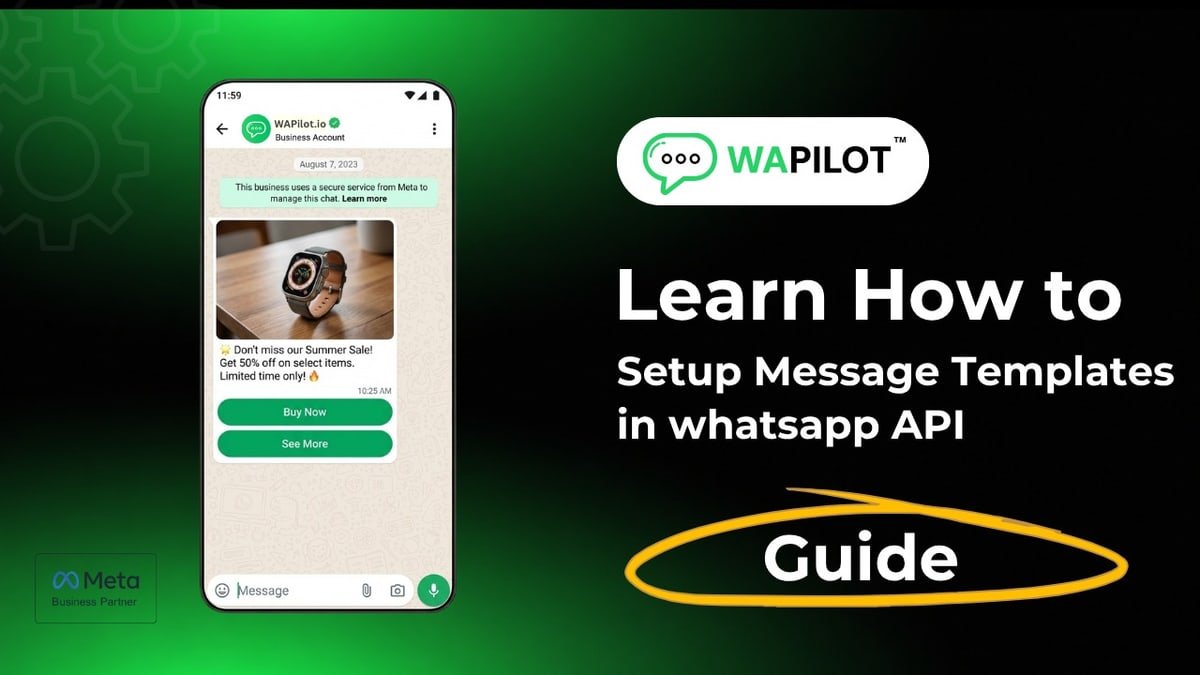
Sources: Meta's template messaging guide and interactive reply buttons docs. nodes deliver information, a question, a choice, media, or an Approved template when the send requires it. Pick the node that matches the moment — not the flashiest block on the canvas.
Text fits one clarifying question. Media helps when a price sheet or product photo reduces confusion — always with context text. Interactive buttons and list menus cut typos on Sales / Support / Booking choices. Always include an other / agent path so customers are never stuck.
Start conditions: triggers keyword vs manual. Handover: automation takeover handover.
When should you use Approved templates inside flows?
Use Approved templates when business-initiated messaging outside an open session requires them, or when you need reusable approved copy. Map variables carefully. Do not force a marketing template into a support triage path — match category to purpose. If approval fails, fix the template before publishing the flow.
Attributed example, from a WAPilot clinic workspace (2026): a support flow sent a marketing template mid-triage and earned blocks. They swapped to short text plus buttons with an agent exit; complaint volume fell the same week while booking completion held.
- Lead with the ask in one to five short lines.
- Use buttons for fixed choices; text for nuance.
- Caption every media asset.
- Match template category to the path.
- Always offer agent / other.
Rule sources: Meta template messaging and interactive reply buttons docs. Wapilot nodes compose Cloud API sends; Meta still approves templates and enforces quality.
How should interactive buttons and lists be designed?
Clear labels, few options, confirm what they picked on the next step. Preview on a real phone. Too many list rows raise drop-off. After the customer answers, logic nodes branch — do not hide branching inside giant paragraphs.
What message mistakes feel most “botty”?
Essay nodes, caption-free media, twelve options, no agent path, and marketing templates in support. How we know: WAPilot Flow Builder coaching maps weekly to Meta’s public template and interactive messaging docs — not unofficial gateway copy tricks.
Speak like WhatsApp, not a web form. One question at a time beats multi-field essays. Confirm choices so branches stay honest when logic runs next.
Catalog-style offers may use catalog or payment templates when appropriate — still keep the ask short and the agent exit visible.
nodes succeed when agents can take over without re-asking everything. Save context later with logic and CRM nodes; do not rely on memory alone.
Test every button path on a test number before publish. A broken “other” label is how customers discover bot prison.
Next in Series 8: logic nodes for conditions, delays, and saved answers — the brain behind these messages.
Treat this guide as an operations checklist, not a one-time read. Print the ordered steps and assign an owner for each gate before you flip traffic live.
When something fails in production, capture the customer wording, the node that fired, and the Meta-facing symptom before you redesign the whole canvas.
Keep internal links few and intentional — adjacent series posts and the hub beat random keyword stuffing across twenty URLs.
Respect quiet hours and staffing plans. Automation that earns replies without inbox coverage creates the same unread spikes as careless campaigns.
Version names, changelogs, and a fifteen-minute post-publish review prevent mystery drafts from becoming the source of truth.
Keep these phrases in your team glossary so search and training stay aligned: media messages.
FAQs
When do I need a template inside a flow?
When the send requires an Approved template or you need reusable approved content outside an open session.
Are buttons better than free-text answers?
For menus and fixed choices, yes — fewer typos and cleaner branches for logic nodes.
How many options should a list have?
Keep it scannable. Too many options raise drop-off and wrong taps.
Does a bot-to-agent handoff reset the window on a shared number?
No. One customer thread, one service window. Two brands on one Cloud API line share that clock — split numbers before you scale support and promos on the same line.
Recap: ship the habit, keep a human exit, and measure what customers actually do. When you are ready, start a free trial and grow on official Cloud API.