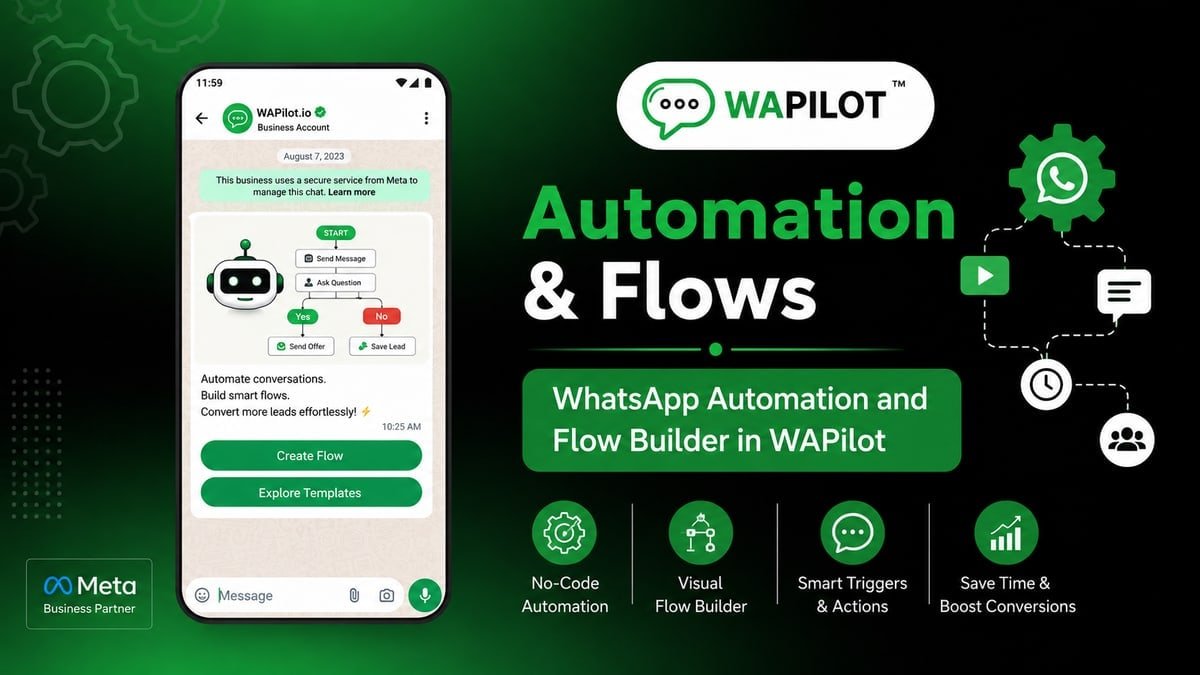
no-show recovery is the canvas job dental should ship this week. Marking no-show in the calendar but never offering a new slot on WhatsApp? Wrong trigger or no Interactive Buttons wastes spend and nights.
Sales and ops both touch this dental job. We kept the language on the canvas, not on theory.
You'll map Delay, Interactive Buttons, Booking Flow, Update Tag onto one path and reuse the fix dental needed after a messy first publish.
dental tickets look alike: too many branches, no Interactive Buttons, then an angry screenshot.
Know the no-show from config/status (Guides). Delay to a polite morning. That is enough setup talk for dental before the first heading.
this node: Delay until weekday → reschedule buttons → optional Assign Agent. dental should treat that sentence as the job, not a slide title.
dental already saw this fail: “you wasted our time” template The recovery was “still want a slot?” + Booking Flow
What is no-show recovery?
Sources: Meta’s send-messages guide (session vs template) and messaging limits. Traffic for dental is still Cloud API, using Delay, Interactive Buttons, Booking Flow, Update Tag.
this step: Delay until weekday → reschedule buttons → optional Assign Agent. On the canvas you place Delay, Interactive Buttons, Booking Flow, Update Tag. dental teams finish one job, then use Interactive Buttons when the customer sends a photo or a rant. Official Cloud API session windows and templates still apply after publish.
Publish buttons live in WhatsApp Flow Builder. Here we only design the dental graph with Delay, Interactive Buttons, Booking Flow, Update Tag.
In this series — Part 6 of 6 (Forms & Booking). Previous: webhook book appointment. Series start: attach a WhatsApp form.
What is the fastest build that still works?
Build as if an intern at dental edits it in June. Node titles should be jobs, not “step 12.”
- First. Know the no-show from config/status (Guides).
- Then. Delay to a polite morning.
- Next. Buttons: new slot / not now.
- After that. Tag recovered vs lost.
- Finally. No shame copy.
A typical dental publish went wrong because “you wasted our time” template. Changing the graph to “still want a slot?” + Booking Flow stopped the screenshot pile-up.
Palette for this job: Delay, Interactive Buttons, Booking Flow, Update Tag. If a node is not in that list, it waits for v2. Start with this: Know the no-show from config/status (Guides). Then: Delay to a polite morning.
Unglamorous but required: Buttons: new slot / not now. Without it, Delay, Interactive Buttons, Booking Flow, Update Tag sit unused and the customer still stalls.
Tag recovered vs lost. No shame copy. If neither is on the canvas, dental will staff chaos from a phone gallery.
Why do first drafts get ripped up?
Attributed example, from a WAPilot dental workspace (2026): “you wasted our time” template. “still want a slot?” + Booking Flow
Shorter copy cut invalid replies more than another Condition node did for dental.
Rule sources: templates when silent; send-messages when the window is live; limits if dental nags. Read those before stacking Delay after Delay.
What belongs on the canvas versus the inbox?
How we know: this journey going live on customer orgs (including dental-shaped ones), transcripts checked against send-messages. No unofficial connector.
Hand to the inbox, do not argue with it. After assign, canned replies are the agent’s tool at dental. bot to human handover covers the queue.
STOP mid-path at dental: suppress, offer a human for account issues, do not loop the menu built from Delay, Interactive Buttons, Booking Flow, Update Tag.
After a change, publish v2 and turn v1 off. Two listeners on one dental keyword is an outage.
Inside dental ops, they learned the hard way: “you wasted our time” template. They recovered only after “still want a slot?” + Booking Flow. That is the v1 bar for this journey.
Keep Delay, Interactive Buttons, Booking Flow, Update Tag visible in the flow name so the next editor knows the job. First moves: Know the no-show from config/status (Guides). Delay to a polite morning.
The step teams skip: Buttons: new slot / not now. dental paid for that skip with inbox screenshots. Put it on the canvas before you celebrate publish.
Finish like an operator: Tag recovered vs lost. Then No shame copy. Agents still work in a bot to human handover after assign.
FAQs
How long does recovery take after you stop a bad dental path?
Stop it, staff the inbox for dental, template only when needed. Rating can take days. Delay nodes do not rewrite Meta’s window.
What should you know about Same-day no-show text?
A short same-day ping can work in-session. Do not stack marketing. One ask.
What if the flow must speak tomorrow morning?
Delay until a weekday, then a utility template if dental went quiet. Do not assume session is still alive after Delay.
Does handing the chat to an agent reset the window on a shared number?
No. One thread, one clock. Two brands on one WABA share quality too. Split numbers before dental collides with another brand’s promos.
no-show recovery only counts live. When you want Delay on official Cloud API for dental, start a free trial on WAPilot.