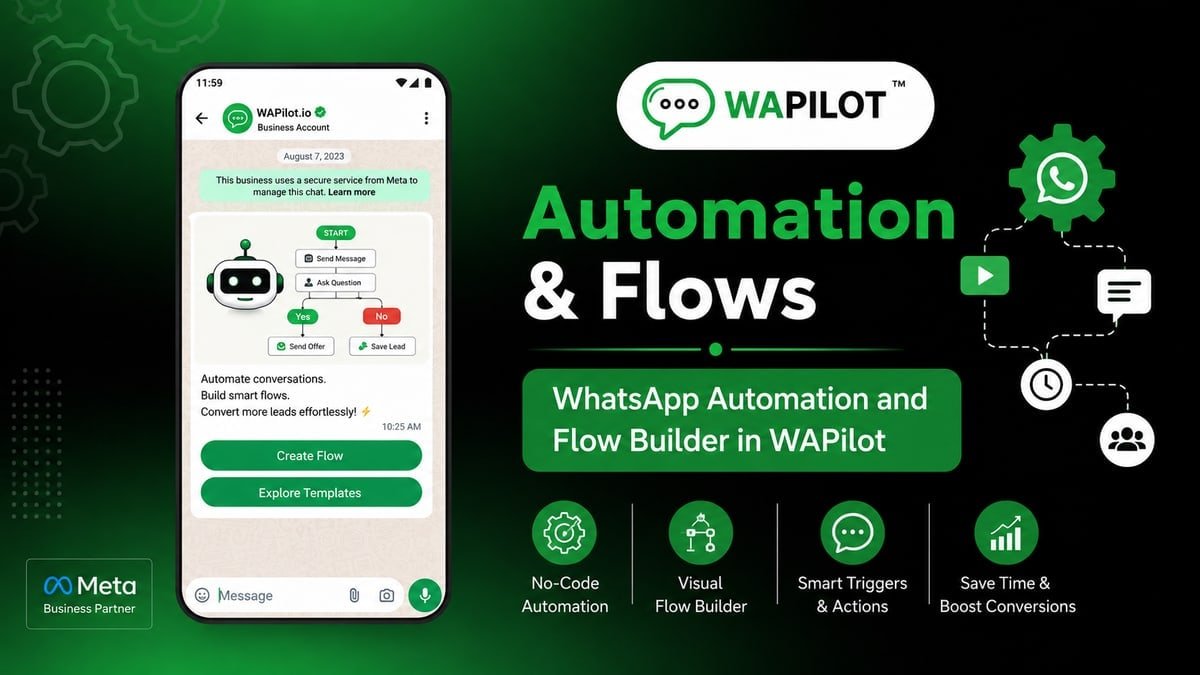
Shopify order update is the canvas job Shopify D2C should ship this week. Customers hunting tracking on email while they already live in WhatsApp? Wrong trigger or no Send Template wastes spend and nights.
If you own the shared inbox at Shopify D2C, this canvas is your problem. Developers can sit this one out.
We review the Shopify D2C path the same way: trigger, short copy, Send Template, live test—then maybe more nodes.
This is Cloud API, not a grey sender. Shopify D2C still obeys windows and templates.
Subscribe to orders updated or fulfillment. Utility template with order name. That is enough setup talk for Shopify D2C before the first heading.
this node flow: status event → utility template → support button. Shopify D2C should treat that sentence as the job, not a slide title.
Shopify D2C already saw this fail: marketing template for shipped The recovery was utility shipped template; promo stayed in campaigns
What is Shopify order update?
Sources: Meta Cloud API send-messages and messaging limits. Shopify D2C fails on policy more often than on missing icons in Shopify trigger, Send Template, Interactive Buttons, Assign Agent.
this step flow: status event → utility template → support button. On the canvas you place Shopify trigger, Send Template, Interactive Buttons, Assign Agent. Shopify D2C teams finish one job, then use Send Template when the customer sends a photo or a rant. Official Cloud API session windows and templates still apply after publish.
Need palette click-path? Use WhatsApp Flow Builder, then return to this Shopify D2C recipe.
In this series — Part 3 of 5 (Ecommerce). Previous: payment success flow. Next: abandoned checkout. Series start: catalog checkout flow.
Which steps actually matter on day one?
Name it like shopify-order-update-f_v1. Steal a preset if Shopify D2C matches. Every tap needs an edge.
- First. Subscribe to orders updated or fulfillment.
- Then. Utility template with order name.
- Next. Button: need help → Assign Agent.
- After that. Do not attach a sale coupon by default.
- Finally. Test one SKU end to end.
Inside Shopify D2C ops, they learned the hard way: marketing template for shipped. They recovered only after utility shipped template; promo stayed in campaigns. That is the v1 bar for this journey.
Keep Shopify trigger, Send Template, Interactive Buttons, Assign Agent visible in the flow name so the next editor knows the job. First moves: Subscribe to orders updated or fulfillment. Utility template with order name.
The step teams skip: Button: need help → Assign Agent. Shopify D2C paid for that skip with inbox screenshots. Put it on the canvas before you celebrate publish.
Finish like an operator: Do not attach a sale coupon by default. Then Test one SKU end to end. Agents still work in a shared WhatsApp inbox after assign.
Where does this journey usually break?
Attributed example, from a WAPilot Shopify D2C workspace (2026): marketing template for shipped. utility shipped template; promo stayed in campaigns
Recovery was boring: shorter copy, honest Send Template, and utility shipped template; promo stayed in campaigns. Quality stopped sliding.
Rule sources: Meta message templates, send-messages (the window), messaging limits. This Shopify D2C path cannot mint session time. Send Template does not reset it.
When should this not be a flow at all?
How we know: when this canvas double-texts Flow Builder at Shopify D2C, we see it in the same thread the agent sees.
Turn AI Reply off on the same trigger Shopify D2C uses, or you greet twice. Priority is a setting, not a wish.
STOP and quiet hours bind this Shopify D2C path. If campaigns already suppressed the contact, do not continue the pitch here.
QA with a photo, “ok”, and “agent”. Empty Responses at Shopify D2C usually means the Ask or webhook never saved after Shopify trigger.
In a Shopify D2C thread (2026), the failure was concrete: marketing template for shipped. The rewrite that stuck was utility shipped template; promo stayed in campaigns. Repeat that, rather than adding decorative palette icons.
Shopify D2C only needed Shopify trigger, Send Template, Interactive Buttons, Assign Agent on the happy path. Day-one order: Subscribe to orders updated or fulfillment. After the hello: Utility template with order name.
Button: need help → Assign Agent. Do that before you add another Condition. Shopify D2C already tried the pretty version.
The adult move: Do not attach a sale coupon by default. After that, Test one SKU end to end. Send Template remains the escape when the answer is messy. See also opt-in and opt-out settings.
FAQs
How long until quality moves after Shopify D2C customers report the journey?
Plan days, not minutes, for rating at Shopify D2C. A new customer message can reopen session quickly. Turning the canvas off is not a fresh clock.
What should you know about COD orders?
Still send status. Do not send a payment link again unless they asked to convert COD.
Does Delay inside the journey keep the Meta window open?
No. The window can close while Delay is counting for Shopify D2C. Plan a template for that later bubble after Do not attach a sale coupon by default.
Does Assign Agent give us a fresh 24 hours?
No. Same customer, same business thread for Shopify D2C. Do not wait for a reset that never arrives after Send Template.
Recap: Shopify order update flow: status event → utility template → support button. Test this journey on a real phone, then start a free trial once someone at Shopify D2C owns the inbox.