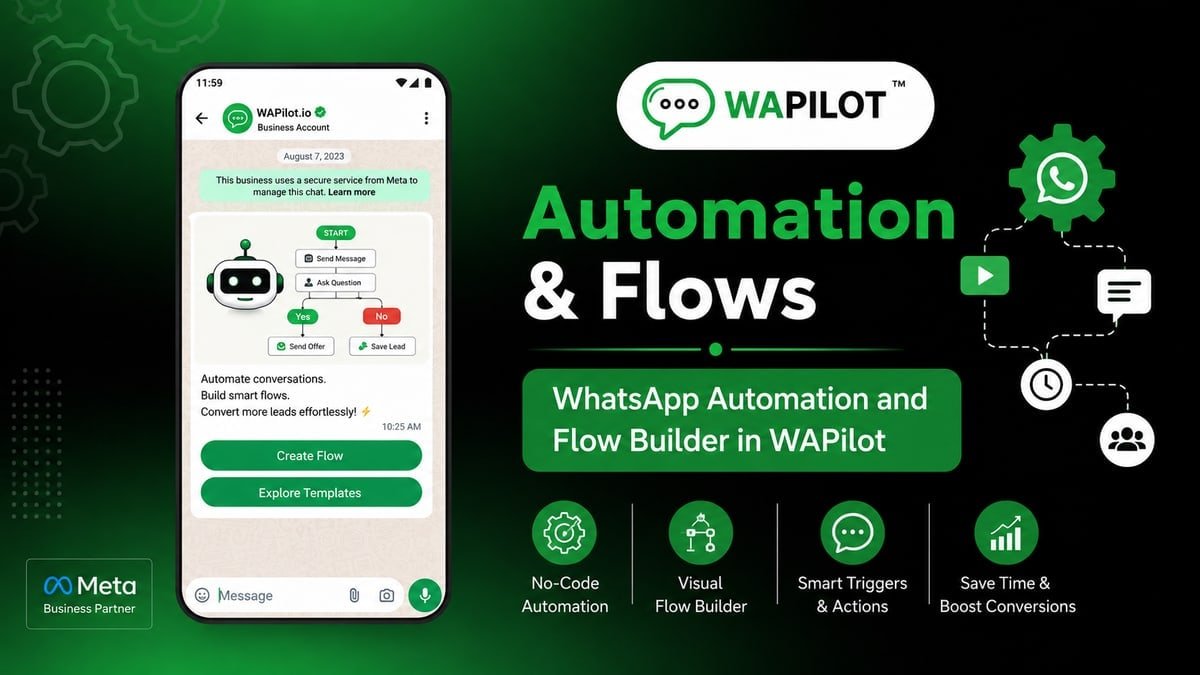
In this series — Part 1 of 5 (What to Automate). This is the series start. Next we compare auto-reply, flows, AI, and drip so you pick the lightest layer—not the biggest canvas.
New to this topic? This guide is written for business owners and support teams — no developer background needed.
Automating every chat until people rage-quit? Still typing “we’re open 10–7” at eleven at night?
WhatsApp automation should take repetitive work off the team—not the judgment that calms an angry buyer or closes a high-value deal. A forty-node journey for a one-line FAQ wastes months. Leaving every “price?” on a personal phone wastes nights.
In this guide, you'll discover what to automate first, what to keep human, how Flow Builder sits next to basic replies and drip sequences, and why every path needs a human handover. As a WAPilot team that reviews first live automations weekly, one short FAQ-plus-menu with an agent exit beats five ornate drafts.
Automate high-volume, low-ambiguity work: greetings, FAQs, menus, routing, appointment booking, and order-status pointers. Keep humans for complaints, negotiations, and unclear intent. Always offer talk-to-agent. Choose the lightest layer that solves the job before you draw a giant canvas.
Canvas setup lives in the WhatsApp Flow Builder guide. Consent still applies: opt-in and opt-out settings.
What is WhatsApp automation?
Sources: Meta’s Cloud API send-messages guide and messaging limits docs. We map those rules to WAPilot inbox, flows, and templates—not unofficial bots.
It is software that replies, branches, or acts when a customer messages—without an agent typing every line. That can be a one-shot hours reply, a menu that routes sales versus support, a booking path, or a tag plus assign. Campaigns still push outbound templates. Automation reacts inside the thread. Bots follow the same session window as humans: after it closes, use an approved template or wait for the customer to write.
Use it for work that is frequent, stable, and safe. Skip it when tone, money, or risk needs a person in the shared WhatsApp inbox.
What should you automate first?
Start where volume is high and answers barely change: greeting plus menu, top FAQs, sales-versus-support routing, appointment interest, a status link, name-and-need capture, and an honest after-hours note. Do not start with refund fights or custom quotes.
- Pick one repetitive job. Hours, location, or “book a slot” beats a mega-menu.
- Add talk-to-agent. If there is no exit, customers get stuck.
- Keep copy short. One question at a time, WhatsApp-native—not a form essay.
- Staff the inbox. Handover without an owner is just a slower bot.
- Respect STOP and quiet hours. Automation is not a loophole around consent.
Attributed example, from a WAPilot clinic workspace (2026): they automated complaints and custom pricing first. Reports rose and the front desk still answered “are you open?”. They paused the long path, shipped hours-plus-menu with an agent keyword, and booked more consults once FAQs stopped clogging the queue.
What should stay human?
Keep a person—or a very careful AI-plus-human path—on angry complaints, price exceptions, medical or legal advice, unclear intent, and opt-out arguments. If you automate any of those, require a fast human handover with notes so the agent does not re-ask everything.
Rule sources: Meta send-messages (service window and session messages), message templates, and messaging limits. WAPilot Flow Builder and basic replies sit on those clocks; they are not extra Meta products.
How do Wapilot layers fit?
Basic replies are one-shot answers. Flow Builder is a structured journey. AI helps with fuzzy FAQs if you still escalate. Drip sequences are timed outbound nurture—not an interactive menu. Campaigns announce to a list. Mixing those jobs creates brittle bots and double texts.
How we know: WAPilot runs official Cloud API inbox, Flow Builder, basic replies, and drip sequences. This piece is written from first-automation reviews we do with customers, mapped to Meta’s public Cloud API docs—not from unofficial gateways or invented lab tests.
Do not build a forty-node flow for “we’re open 10–7.” Do not skip opt-in because “it’s a bot.” Measure containment and escape rate, not deflection alone. A healthy bot lets hard chats leave. Next in this series we compare basic replies, Flow Builder, AI, and drip sequences so you pick one layer per job.
FAQs
How long does recovery take after you stop a bad bot?
Plan on days for quality rating if people reported you, and minutes for the next inbound to reopen a service window. Turning the flow off does not invent a new 24-hour clock. Wait for the customer to write, or send a relevant approved template.
Is automation the same as a bulk campaign?
No. Campaigns push approved templates to opted-in lists. Automation replies and branches inside chats that already started. Use campaigns to open the door; use flows or replies to help the person who walked in.
Can a bot send session messages after 24 hours?
No. Bots follow the same Cloud API rules as humans. After the window, use a template or wait. Routing to an agent does not change Meta’s clock.
Does a bot-to-agent handoff reset the window on a shared number?
No. One customer thread, one service window. Two brands on one Cloud API line share that clock—split numbers before you scale support and promos on the same line.
Recap: automate the repetitive, protect the relational, keep a human exit, pick the lightest layer. When you are ready to build that first FAQ-plus-menu on official Cloud API, start a free trial on WAPilot and staff the inbox before you celebrate publish.