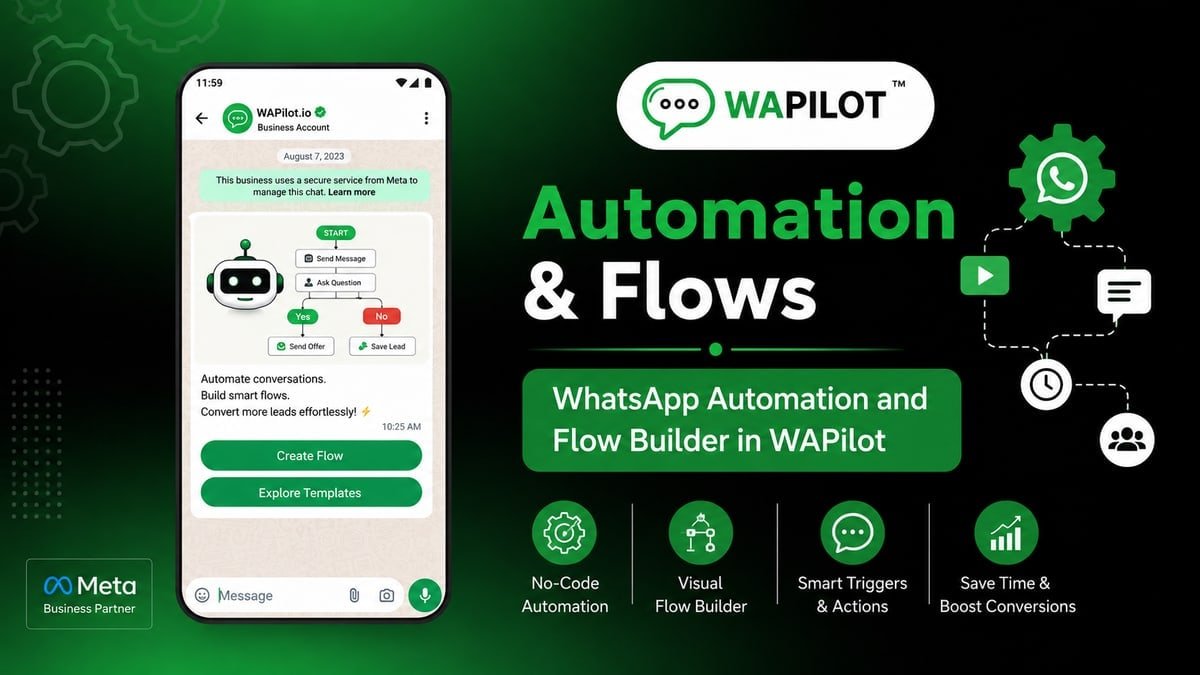
keyword menu is the canvas job clinic front desk should ship this week. Building a 30-node journey when three buttons would do? Wrong trigger or no Interactive Buttons wastes spend and nights.
Sales and ops both touch this clinic front desk job. We kept the language on the canvas, not on theory.
You'll map Trigger (keywords), Interactive Buttons, Interactive List, Run Sub Flow onto one path and reuse the fix clinic front desk needed after a messy first publish.
clinic front desk tickets look alike: too many branches, no Interactive Buttons, then an angry screenshot.
Pick one keyword such as hi, menu, or help (contains match). Send a short hello, then three buttons or a tight list. That is enough setup talk for clinic front desk before the first heading.
A this node (interactive buttons or list) often beats a full flow for first routing. Save the long canvas for qualify, book, or pay. clinic front desk should treat that sentence as the job, not a slide title.
What is keyword menu?
Sources: Meta’s send-messages guide (session vs template) and messaging limits. Traffic for clinic front desk is still Cloud API, using Trigger (keywords), Interactive Buttons, Interactive List, Run Sub Flow.
A this step (interactive buttons or list) often beats a full flow for first routing. Save the long canvas for qualify, book, or pay. On the canvas you place Trigger (keywords), Interactive Buttons, Interactive List, Run Sub Flow. clinic front desk teams finish one job, then use Interactive Buttons when the customer sends a photo or a rant.
Need palette click-path? Use WhatsApp Flow Builder, then return to this clinic front desk recipe.
In this series — Part 4 of 5 (What to Automate). Previous: automation priority. Next: quiet hours. Series start: WhatsApp automation.
What is the fastest build that still works?
Build as if an intern at clinic front desk edits it in June. Node titles should be jobs, not “step 12.”
- First. Pick one keyword such as hi, menu, or help (contains match).
- Then. Send a short hello, then three buttons or a tight list.
- Next. Each tap runs a sub-flow (book, shop, human)—not twenty more questions.
- After that. Add a fallback for invalid replies so the menu repeats once.
- Finally. Publish and send the keyword from a test number.
Inside clinic front desk ops, they learned the hard way: every intent lived in one giant graph nobody could edit. They recovered only after a that component hub plus three sub-flows; doctors still got a human path. That is the v1 bar for this journey.
Keep Trigger (keywords), Interactive Buttons, Interactive List, Run Sub Flow visible in the flow name so the next editor knows the job. First moves: Pick one keyword such as hi, menu, or help (contains match). Send a short hello, then three buttons or a tight list.
The step teams skip: Each tap runs a sub-flow (book, shop, human)—not twenty more questions. clinic front desk paid for that skip with inbox screenshots. Put it on the canvas before you celebrate publish.
Finish like an operator: Add a fallback for invalid replies so the menu repeats once. Then Publish and send the keyword from a test number. Agents still work in a WhatsApp Flow Builder after assign.
Why do first drafts get ripped up?
Attributed example, from a WAPilot clinic front desk workspace (2026): every intent lived in one giant graph nobody could edit. a the canvas action hub plus three sub-flows; doctors still got a human path
Shorter copy cut invalid replies more than another Condition node did for clinic front desk.
Rule sources: send-messages, message templates, limits. Every send for clinic front desk should map to one of those—not “the bot felt urgent.”
What belongs on the canvas versus the inbox?
How we know: this journey going live on customer orgs (including clinic front desk-shaped ones), transcripts checked against send-messages. No unofficial connector.
Hand to the inbox, do not argue with it. After assign, canned replies are the agent’s tool at clinic front desk. bot to human handover covers the queue.
STOP mid-path at clinic front desk: suppress, offer a human for account issues, do not loop the menu built from Trigger (keywords), Interactive Buttons, Interactive List, Run Sub Flow.
After a change, publish v2 and turn v1 off. Two listeners on one clinic front desk keyword is an outage.
FAQs
How long does recovery take after you pause a noisy clinic front desk bot?
Often days of clean chats if people reported clinic front desk—not an hour. Stopping the flow does not open a new 24-hour window. Wait for inbound or use a fitting approved template.
When is a full flow better than a menu?
When you must capture fields, branch on answers, or book a slot. A menu only routes; it does not replace Ask nodes or Booking Flow.
Can the canvas keep session-style messages after a day?
No. Assign Agent does not extend Meta’s clock for clinic front desk. Template or wait. Trigger (keywords), Interactive Buttons, Interactive List, Run Sub Flow do not change that.
Can two brands run this journey on one Cloud API line?
Not safely at scale. Opt-in and quality are per number. Tags do not hide brand B from Meta when clinic front desk shares the WABA.
Build the five steps for a clinic front desk-like job, not a museum of nodes. Start a free trial on WAPilot to run keyword menu on Cloud API.