Are your WhatsApp messages not getting delivered? Facing unexpected bans or technical errors? You’re not alone.
Many businesses jump into the WhatsApp Cloud API without proper understanding—leading to failed campaigns, compliance issues, and lost customers.
In this guide, you’ll discover the most common WhatsApp Cloud API mistakes, why they happen, and how to fix them step-by-step—so you can scale safely and effectively.
What Are Common WhatsApp Cloud API Mistakes?
The most common WhatsApp Cloud API mistakes include poor setup, ignoring compliance rules, sending spammy messages, misusing templates, and webhook errors. These issues lead to message failures, bans, and low engagement. Fixing them requires proper configuration, approved templates, user consent, and using a reliable API platform.
1. Why Is Incorrect Setup the #1 WhatsApp Cloud API Mistake?
Problem:
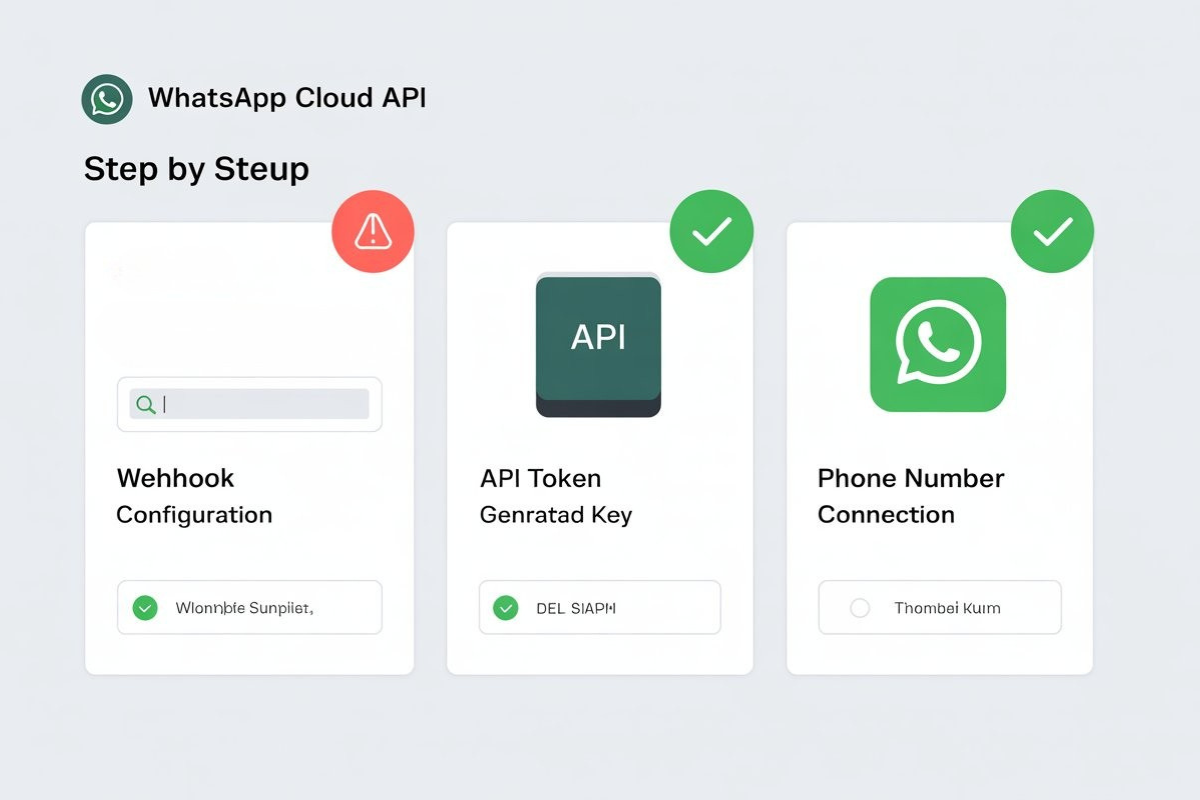
Many businesses fail at the initial WhatsApp Cloud API setup, leading to errors later.
Common Issues:
- Wrong webhook configuration
- Missing access tokens
- Incorrect phone number linking
Solution:
Follow a structured checklist before starting.
👉 Recommended:
Before starting with WhatsApp Cloud API, it's important to ensure everything is configured correctly to avoid future errors.
👉 Follow this complete setup checklist to get started the right way.
Pro Tip:
Always test with sandbox numbers before going live.
2. Why Do WhatsApp API Messages Fail to Deliver?
Problem:
Your WhatsApp API messages are not delivered or show failed status.
Reasons:
- Unapproved templates
- Invalid phone numbers
- User hasn’t opted in
- Rate limits exceeded
Fix:
- Use only approved templates
- Validate numbers before sending
- Ensure opt-in compliance
- Monitor API response logs
3. Are You Ignoring WhatsApp API Compliance Rules?

Problem:
Violating WhatsApp policies can lead to account bans.
Common Violations:
- Sending promotional messages without consent
- Misleading content
- Over-messaging users
Solution:
- Always collect explicit opt-in
- Follow Meta policies
- Maintain message quality score
👉 Learn more:
Understanding WhatsApp’s policies is critical to avoid bans and maintain a healthy messaging account.
👉 Read this detailed guide to stay compliant and protect your business.
4. Why Using Poor Message Templates Hurts Performance?
Problem:
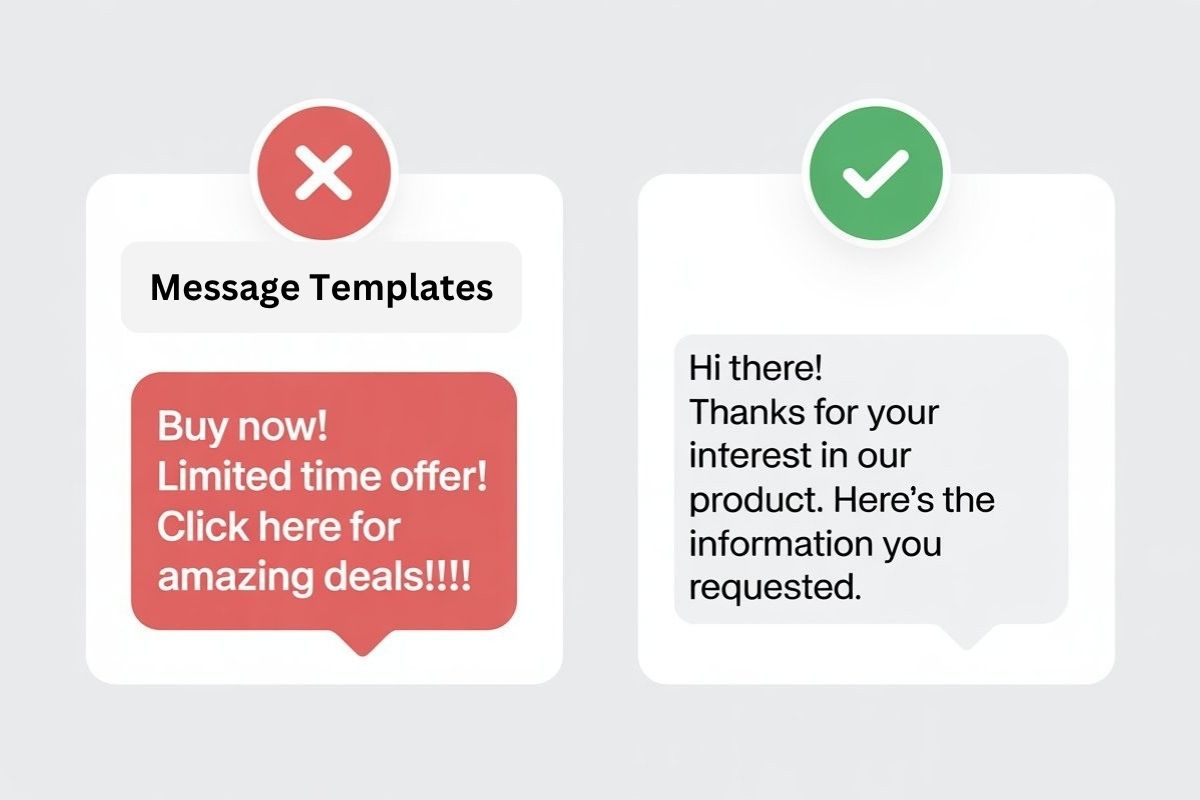
Low-quality templates reduce delivery and engagement.
Mistakes:
- Too promotional tone
- Lack of personalization
- Frequent rejections
Best Practices:
- Use clear, helpful language
- Personalize with variables
- Follow approved template formats
👉 Reference:
Using the right message templates can significantly improve delivery rates and user engagement.
👉 Check this guide to create high-performing, approved WhatsApp templates.
5. What Happens When You Ignore Webhook Errors?
Problem:
Webhook failures break automation.
Symptoms:
- No message status updates
- Chatbot not working
- Delayed responses
Fix:
- Ensure webhook URL is live
- Validate responses (200 OK)
- Monitor logs regularly
6. Are You Over-Automating Without Strategy?
Problem:
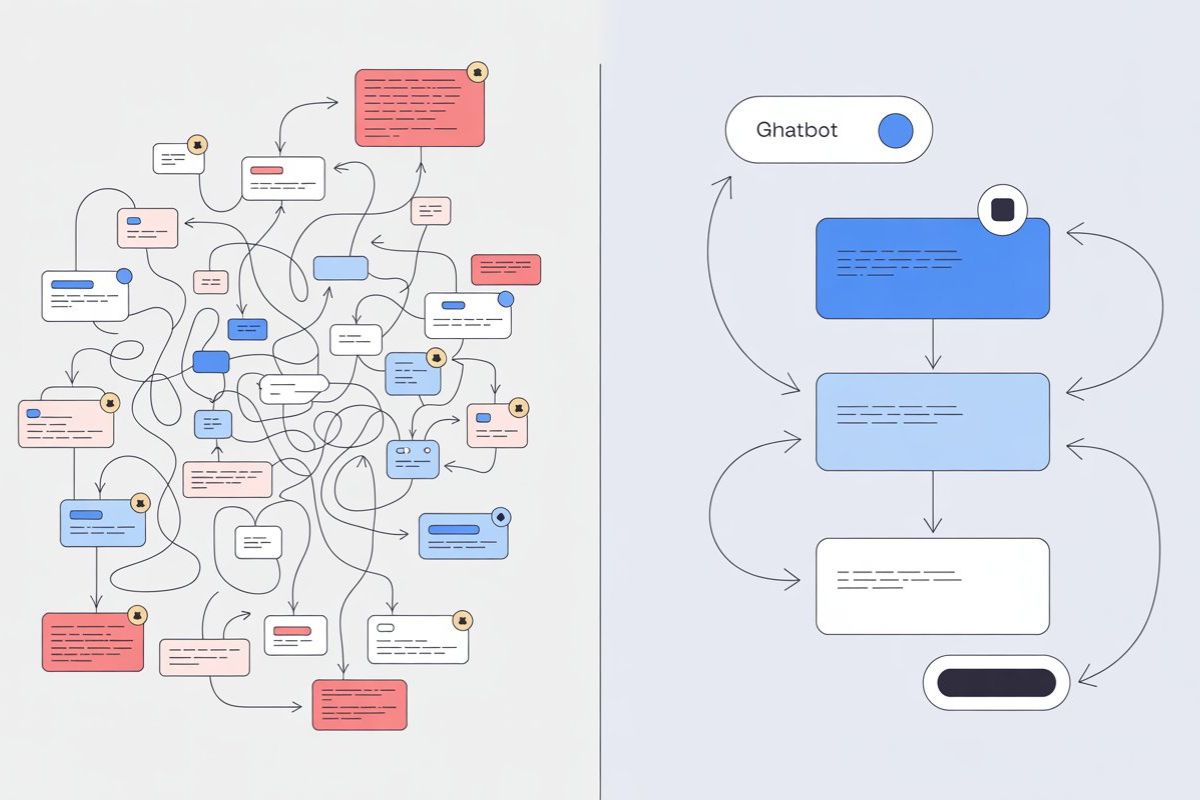
Automation without logic leads to spammy experiences.
Mistakes:
- Sending bulk messages blindly
- No segmentation
- No user journey mapping
Solution:
- Segment users based on behavior
- Build smart workflows
- Use triggers instead of blasts
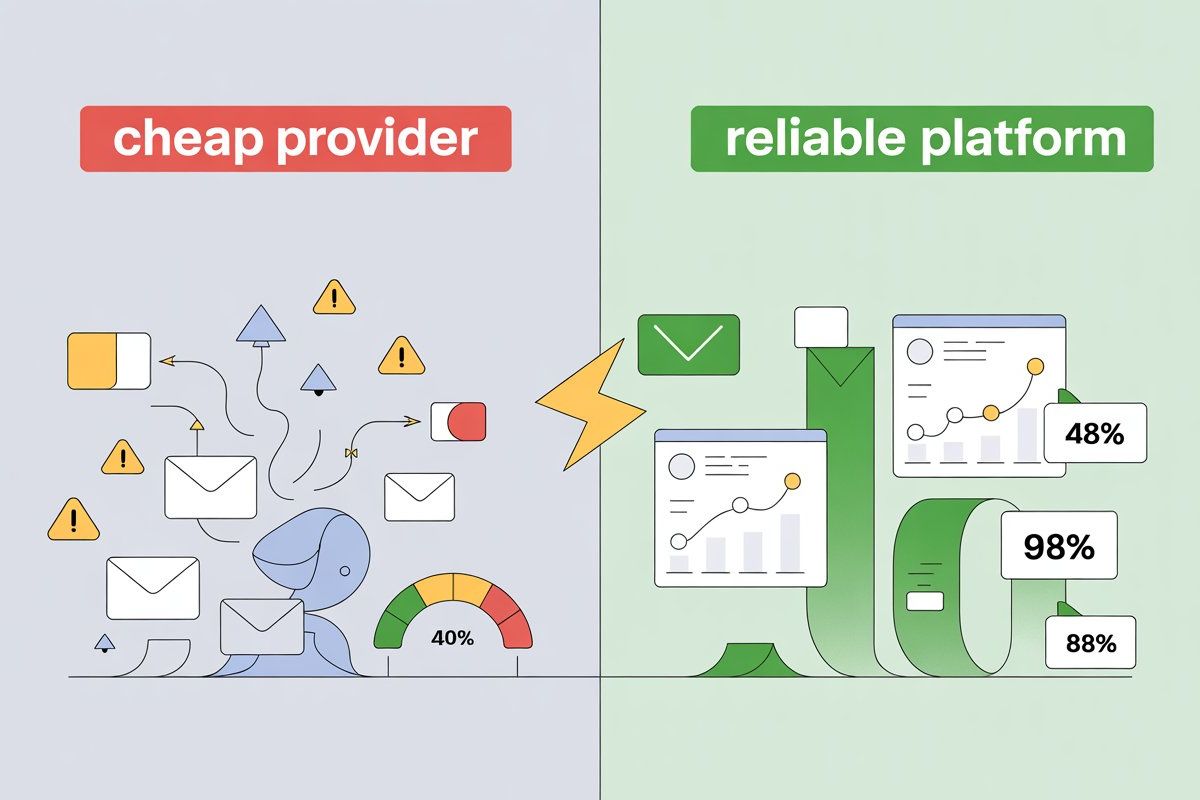
7. Why Cheap WhatsApp API Providers Can Hurt Your Business?
Problem:
Low-cost providers often cause delivery and ban issues.
Risks:
- Shared infrastructure
- Poor delivery rates
- Hidden costs
👉 Read:
Choosing the wrong provider can lead to low delivery rates and even permanent bans.
👉 Learn why cheap WhatsApp API providers can be risky for your business.
8. WhatsApp Cloud API vs Third-Party APIs: Which Is Better?
|
Feature
|
Cloud API
|
Third-Party API
|
|
Setup
|
Complex
|
Easy
|
|
Control
|
High
|
Managed
|
|
Maintenance
|
Self-managed
|
Done-for-you
|
|
Scalability
|
High
|
Depends on provider
|
Insight:
Cloud API is powerful—but not beginner-friendly.
9. Are You Ignoring WhatsApp Cloud API Limitations?
Limitations:
- Requires technical setup
- Template approval delays
- Strict messaging rules
- No built-in UI
Solution:
Use platforms that simplify API usage.
10. Why Not Using a Proper API Platform Is a Big Mistake?
Problem:
Managing everything manually leads to errors and inefficiency.
Better Approach:
Use a platform like wapilot.io.
Benefits:
- Easy onboarding
- No coding required
- Built-in automation
- Fixed pricing (₹500/month)
- No hidden charges
👉 Explore:
If you want a simple and reliable way to use WhatsApp API without technical headaches, the right platform makes all the difference.
👉 Explore how you can get started Wapilot.io with an affordable and feature-rich solution.
Pro Tips: WhatsApp Cloud API Best Practices
- Always get user consent
- Use approved templates only
- Monitor delivery reports
- Avoid spam triggers
- Segment your audience
- Use automation wisely
- Track engagement metrics
FAQs
1. What are common WhatsApp Cloud API mistakes?
Common mistakes include poor setup, ignoring compliance, using unapproved templates, webhook errors, and sending messages without consent. These lead to delivery failures and bans.
2. Why is my WhatsApp API not working?
It may fail due to incorrect setup, invalid tokens, webhook issues, or unapproved templates. Checking logs and configuration usually resolves the issue.
3. How to avoid WhatsApp API bans?
Always follow WhatsApp policies, get user opt-in, avoid spam, and maintain high-quality messaging. Monitor user feedback and engagement regularly.
4. Is WhatsApp Cloud API safe for business?
Yes, it’s safe when used correctly. It’s an official solution by Meta, but requires strict compliance with policies and proper technical setup.
5. What are WhatsApp API best practices?
Use approved templates, personalize messages, segment users, monitor delivery rates, and ensure compliance with messaging policies.
6. Why are WhatsApp messages not delivered?
Messages may fail due to invalid numbers, unapproved templates, lack of opt-in, or rate limits. Fixing these improves delivery rates.
7. Is WhatsApp Cloud API better than third-party APIs?
It offers more control and scalability but requires technical expertise. Third-party platforms are easier and faster to use.
8. How to use WhatsApp Cloud API easily?
You can simplify usage by using platforms like wapilot.io that provide ready-to-use dashboards, automation tools, and easy setup.
Why Choose wapilot.io for WhatsApp API?
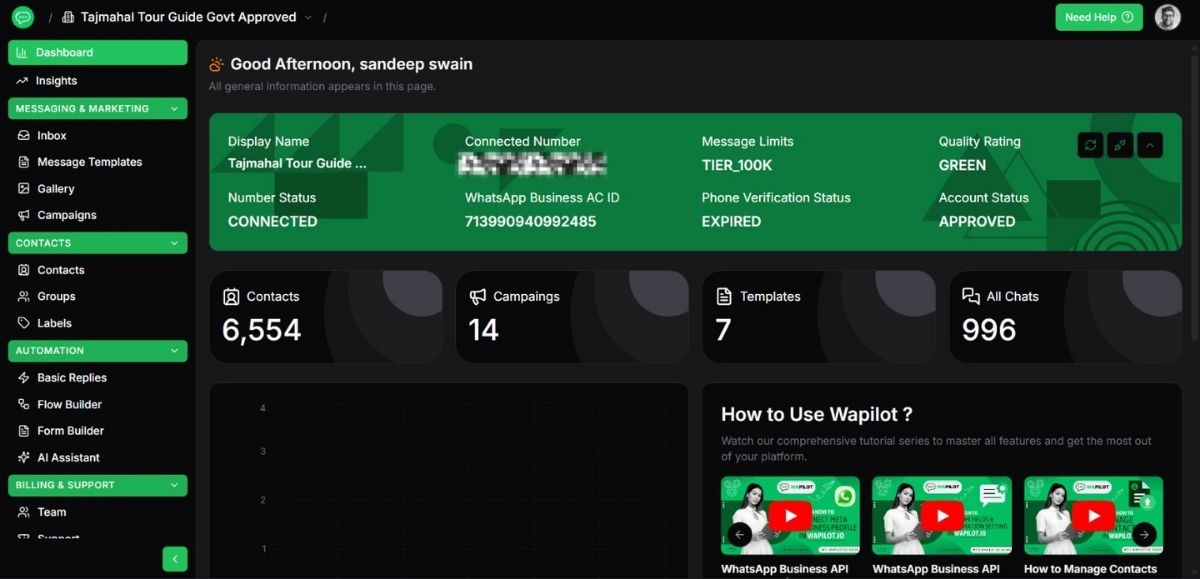
If you want to avoid all these mistakes, wapilot.io simplifies everything.
Why Businesses Prefer It:
- Beginner-friendly dashboard
- No technical setup required
- All features included
- Transparent pricing
- Fast onboarding
Perfect For:
- Small businesses
- Marketers
- Agencies
- Non-tech founders
Conclusion
The WhatsApp Cloud API is powerful—but only if used correctly.
Avoiding these common mistakes can:
- Improve delivery rates
- Prevent bans
- Increase conversions
- Save time and cost
If you want a simpler, safer, and more scalable solution, consider using a platform that eliminates these risks.
Start smart. Scale faster. 🚀