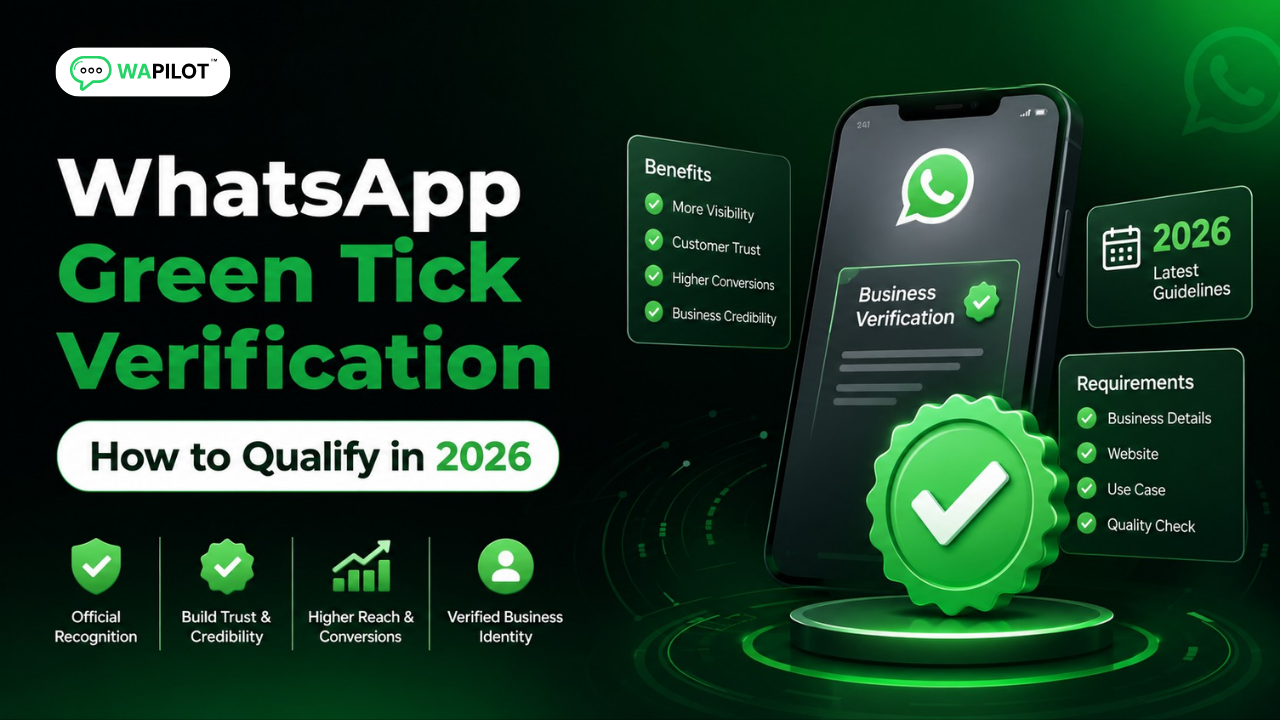
WhatsApp green tick verification is a trust signal, not a badge you can simply buy. Businesses preparing in 2026 should understand the difference between business verification, WhatsApp account setup, and the visible verification badge before they apply.
A legitimate business identity, consistent public information, an official WhatsApp setup, and strong policy compliance are more useful than shortcuts or promises from third-party sellers. Meta can also change eligibility and product availability, so old tutorials should not be treated as permanent rules.
In this guide, you’ll learn what the badge means, how WhatsApp business verification generally works, what can affect eligibility, and how to prepare your account without relying on unofficial methods. We’ll also cover common mistakes and practical steps for businesses using the WhatsApp Cloud API.
WAPilot builds WhatsApp automation around official Cloud API workflows, so our practical recommendation is simple: establish a clean business foundation first, then scale messaging and automation around it.
What Is WhatsApp Green Tick Verification?
The phrase “green tick” is commonly used for a verified WhatsApp business identity. The exact badge appearance and verification experience can change as Meta updates its products, so businesses should always check the current Meta flow available to their account.
The WhatsApp verification badge is a Meta trust signal that helps people identify an authentic business presence. Eligibility depends on Meta’s current criteria, business authenticity, account setup, and policy compliance rather than payment alone.
For current requirements, start with Meta’s business verification guidance and the WhatsApp Cloud API documentation.
How Does WhatsApp Business Verification Work?
Verification starts with an authentic business identity and a correctly configured WhatsApp business presence. Businesses researching WhatsApp green tick 2026 requirements should treat current Meta documentation as the source of truth because eligibility and product availability can change.
To prepare for WhatsApp business verification, confirm your business identity, configure your WhatsApp account correctly, maintain policy compliance, and use the verification option available to your account. Meta makes the final eligibility decision.
Use accurate business information
Your legal or registered business information should be accurate and consistent across the assets you use. Avoid mismatched names, addresses, domains, or contact information when preparing your business profile.
Use an official WhatsApp API setup
For automation, the WhatsApp Cloud API provides an official API path. Avoid unofficial tools that imitate WhatsApp clients or depend on unsupported workarounds. An official architecture is easier to maintain and better aligned with policy requirements.
Businesses comparing WhatsApp Cloud API verification with other setup options should remember that API access and verification are separate matters. If you are still preparing your API setup, use our WhatsApp Business API checklist to review the basics before scaling.
What Can Affect WhatsApp Verification Eligibility?
Eligibility is broader than simply owning a WhatsApp Business account. Businesses should consider authenticity, completeness, public presence, account configuration, and compliance together. A complete official WhatsApp business account setup is a useful foundation, but it does not guarantee approval.
Eligibility can be affected by business authenticity, account configuration, policy compliance, public business information, and Meta’s current verification criteria. Meeting setup requirements does not guarantee approval.
Business authenticity
Use genuine business information and a name that clearly represents the organization customers expect to contact. Your public presence should support the same identity.
Policy compliance
Follow WhatsApp and Meta requirements for business messaging, user interactions, and commerce. Verification is not a substitute for responsible messaging practices.
Before scaling automation, review our guide to common WhatsApp Cloud API mistakes and remove avoidable compliance and setup problems.
Consistent public presence
A clear website, business information, and recognizable brand help customers understand who operates the account. Keep important details aligned across your public assets.
How Should You Prepare Before Applying?
Preparation is usually more valuable than repeatedly submitting a request. Create a short checklist and verify each item before using the verification path offered inside your business account.
Prepare by confirming business identity, website and contact details, WhatsApp account configuration, brand consistency, and policy compliance. Then check Meta’s current verification option before submitting a request.
- Confirm the business information you use across Meta and public assets.
- Make sure your website clearly represents the same organization.
- Use consistent business and profile details.
- Confirm your WhatsApp business account and phone configuration.
- Review current messaging and commerce policies.
- Keep legitimate supporting business information available if Meta requests it.
For businesses moving from setup into automation, our WhatsApp API onboarding guide provides another practical starting point.
What Mistakes Can Hurt Your Verification Chances?
The most avoidable mistakes come from treating verification as a purchase instead of a business identity and compliance process.
Common mistakes include inconsistent business information, unofficial WhatsApp automation, policy violations, misleading profiles, incomplete setup, and trusting providers that promise guaranteed verification.
- Buying a guaranteed badge: A third party cannot guarantee Meta’s final eligibility decision.
- Using inconsistent information: Keep your important business identity details aligned.
- Ignoring policies: Verification does not replace compliant messaging.
- Using unofficial automation: Choose an official API architecture for scalable business messaging.
- Following outdated guides: Meta can change products, badge designs, and eligibility rules.
FAQs About WhatsApp Green Tick Verification
Can every WhatsApp Business account get the green tick?
No. Having a WhatsApp Business account does not automatically make a business eligible for a verification badge. Meta determines eligibility using its current programs and criteria.
Can I pay someone to guarantee WhatsApp verification?
No legitimate provider can guarantee Meta’s approval. A provider can help with setup or preparation, but the verification decision belongs to Meta.
Does WhatsApp Cloud API automatically give a verification badge?
No. An official Cloud API setup and a verification badge are separate matters. Using the API supports business messaging, but it does not by itself guarantee verification.
Can a small business apply for verification?
Eligibility depends on the current Meta program and the options available to the business account. Business size alone should not be treated as a guarantee or automatic rejection.
Conclusion: Build Trust Before You Apply
The safest approach is to keep your business identity consistent, use an official setup, follow current policies, and check the verification path offered to your account. This reduces avoidable friction and gives customers a clearer view of the business behind the number.
Next step: Get started with WAPilot for WhatsApp Cloud API messaging, automation, and workflow tools.