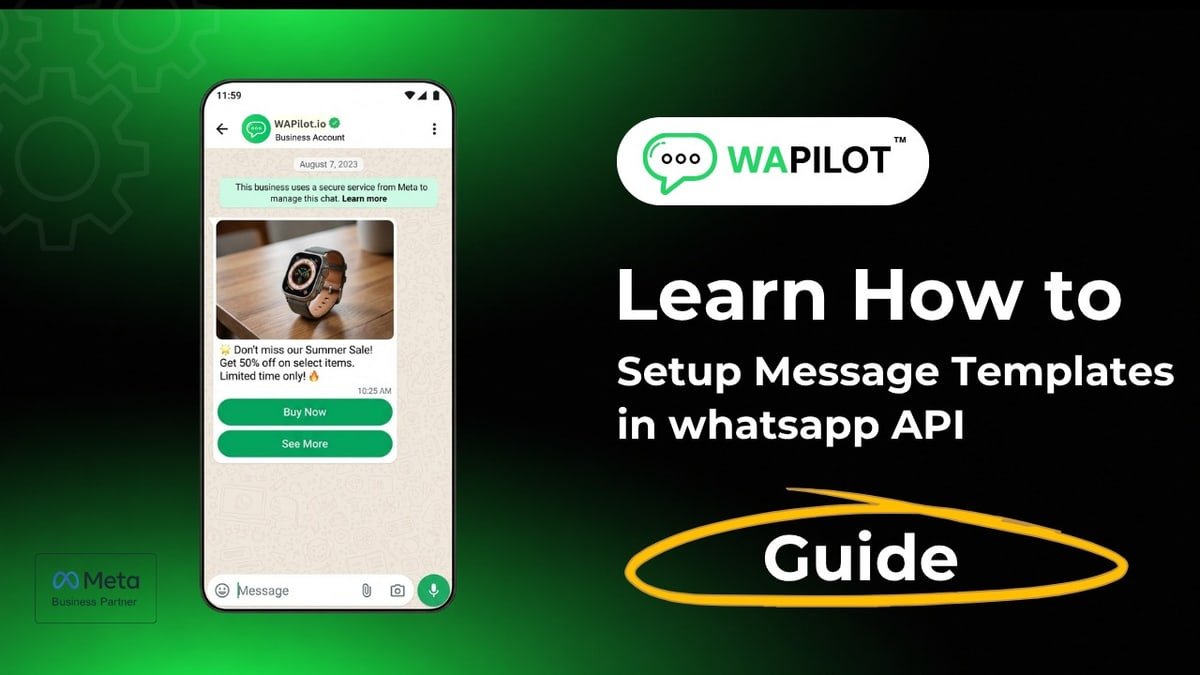
In this series — Part 2 of 6 (Templates). · Previous: WhatsApp Message Templates Explained: Categorie… · Next: Utility & Authentication Templates: Best Practi… · Series start
Before you start: If you skipped earlier steps, read WhatsApp Message Templates Explained: Categorie… first so nothing here feels confusing.
Ready to create WhatsApp marketing template drafts Meta can actually approve—not ten spammy experiments?
Wrong category, missing samples, or a Pending status used in a campaign wastes a week. One clean Marketing template beats a library of rejects.
In this guide, you'll discover the pre-create checklist, Wapilot Message Templates builder fields, a body formula, buttons and variables, and submit-and-wait discipline. As a WAPilot team that reviews first marketing drafts before launch week, we see multi-offer bodies get rejected more often than slow Meta review.
Marketing templates open outbound offers when the customer care window is closed. Treat the first Approved Marketing template as infrastructure: campaigns, inbox follow-ups, and later Automation → drip sequences all depend on clean Meta-approved copy. Rushing ten drafts before one approval just multiplies rejections.
Connect WhatsApp first via Embedded Signup. Categories and statuses: message templates setup. Protect the number later with quality rating and limits.
What should you finish before you create?
Sources: Meta's template messaging guide and messaging limits overview. Business-initiated marketing still needs Approved templates and responsible volume.
Checklist: WhatsApp connected, brand display name clear, one offer / one purpose, sample values for variables, landing URL ready if you use a CTA button, and the correct organization selected. Goal today: one clean marketing template—not twenty drafts.
How do you create WhatsApp marketing template fields in Wapilot?
Open Message Templates → Create. Set Category = Marketing, pick the language customers read, and name with lowercase underscores (e.g. summer_sale_offer)—not test123. You'll use that name later in Campaigns.
Header (optional): short title or image when needed. Body (required): greeting + one benefit + clear next step. Footer (optional): short support line. Keep sentence case; avoid ALL CAPS hype.
Attributed example, from a WAPilot D2C workspace (2026): a first draft mixed five offers and three URLs. Resubmitting one weekend 15% offer with a single URL button approved same day—then they duplicated the pattern for win-back.
- Name + Marketing category + language
- Write body with one purpose
- Add optional buttons (quick reply, URL, call)
- Use few template variables with realistic samples
- Preview → submit → wait for Approved
Rule sources: Meta template messaging and messaging limits docs. Wapilot submits and syncs Pending / Approved status; it does not bypass Meta approval. Prefer a soft CTA—“Reply YES” or one URL—over three competing buttons. If you need catalog browse later, keep this first template focused on one offer so Meta reviewers see a clear business purpose.
When you eventually attach the template in Campaigns, map variables carefully and staff replies for the first hour. Unanswered spikes after a sale blast look like spam to customers even when the template was Approved.
How should buttons and variables work on a first template?
Helpful template buttons: YES / Get details quick replies, one CTA URL, call phone when useful. Template variables: only what you fill at send time (often name + offer code). Provide sample values on submit. Too many placeholders raise rejection risk.
Do not launch Campaigns while status is Pending. If Rejected, fix and resubmit with rejection fixes. For order updates and OTPs, use Utility or Authentication instead of Marketing—see utility and authentication templates.
Which first marketing templates should you approve?
Strong starters: welcome / thanks for opting in, new offer announcement, and re-engagement for inactive customers. Start with one, get Approved, then duplicate. After approval, map variables carefully in Campaigns and staff the inbox for replies. Longer nurture can later live under Automation → drip sequences—but earn one Approved marketing template first. Duplicate winning templates for seasonal variants instead of rewriting from scratch each festival. Keep a short internal naming convention so managers can find summer_sale_offer versus winback_30d without opening every draft.
If your team still needs onboarding context—from signup to first message—finish foundations before you scale marketing volume. Wrong-org submits waste Approved templates and confuse Campaigns later.
How we know: WAPilot operators coach first-template submissions weekly against Meta's public Cloud API docs—not unofficial “instant approve” sellers.
FAQs
How do I create a marketing template in Wapilot?
Message Templates → Create → Marketing → fill components with samples → submit → wait for Approved before any campaign.
How many variables should beginners use?
As few as possible—often one or two. More variables raise complexity and rejection risk.
Can I schedule a campaign while the template is Pending?
No. Pending is not campaign-ready. Wait for Approved, then create the campaign.
Does a bot-to-agent handoff reset the window on a shared number?
No. One customer thread, one service window. Two brands on one Cloud API line share that clock—split numbers before you scale support and promos on the same line.
Recap: one purpose, Marketing category, clear body, few variables, submit, wait for Approved. When the template is live, start a free trial and grow on official Cloud API.