In this series — Part 1 of 6 (Templates). · Next: How to Create Your First Marketing Template in… · Series start
New to this topic? This guide is written for business owners and support teams — no developer background needed.
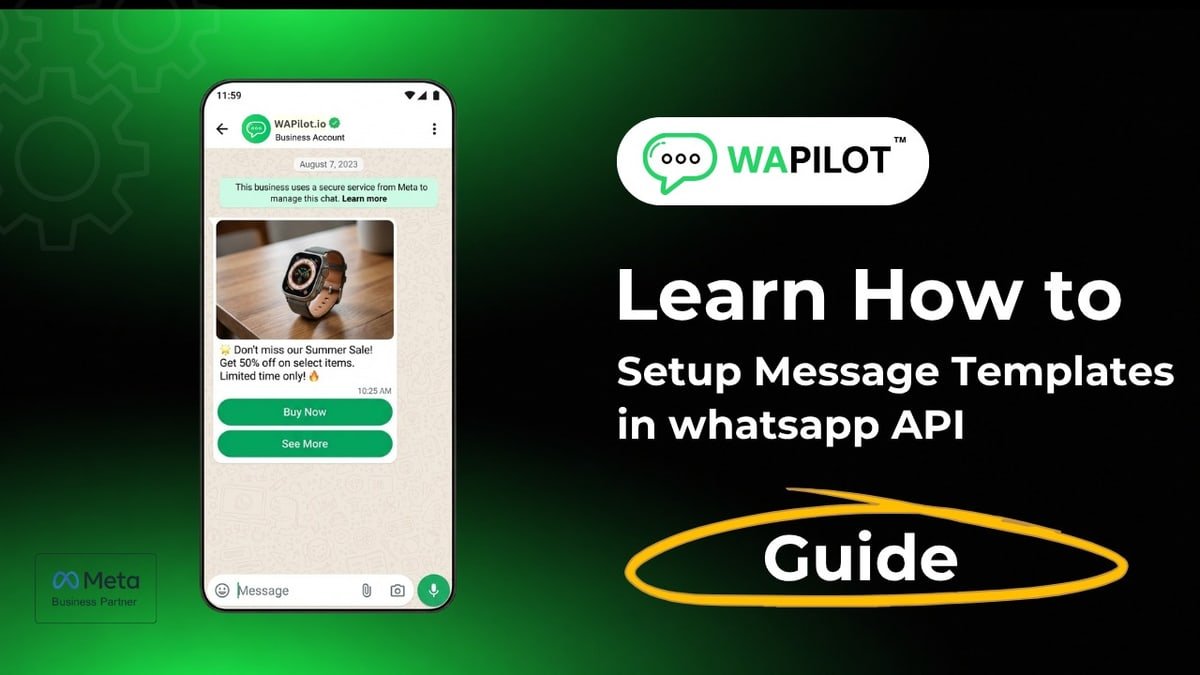
Want to message customers first on WhatsApp? You usually need an approved WhatsApp message template.
Pending templates are not campaign-ready. Wrong categories get rejected. Free-form replies work inside an open window — not for most cold outreach.
In this guide, you'll discover what WhatsApp message templates are, how Marketing vs Utility vs Authentication differ, what Pending / Approved / Rejected mean, and how to submit from Wapilot without spammy shortcuts. As a WAPilot team that reviews template drafts before customer launches, we see category mismatches delay go-live more than slow Meta review itself.
Foundations: what the WhatsApp Business API is. Quality before blasts: quality rating and messaging limits.
Operators who rush past whatsapp business api message templates setup usually skip the boring checks — org name, connected number, and opt-in — then spend a week recovering quality. This walkthrough keeps the sequence honest so your team ships one clean win before volume.
Why do WhatsApp message templates exist?
Sources: Meta's template messaging guide and messaging limits overview. Templates let Meta review business-initiated formats before you scale.
WhatsApp protects users from spam. For many business-initiated messages outside the open customer care window, you must use pre-approved templates. Templates keep messages consistent and policy-aligned. No approved template means no reliable outbound marketing or many proactive utility-style sends.
How do Marketing, Utility, and Authentication differ?
Marketing covers offers, promos, launches, and re-engagement. Utility covers order updates, reminders, and account alerts tied to a user action. Authentication covers OTPs and verification codes. Pick the category that matches the real purpose — don’t submit a promo as Utility to “get cheaper sends.” That risks rejection or future policy issues.
Festival sale → Marketing. Order shipped → Utility. Login OTP → Authentication. “We miss you — 20% off” → Marketing. Appointment reminder tied to a booking → Utility.
Attributed example, from a WAPilot retail workspace (2026): a win-back draft labeled Utility was rejected twice. Resubmitting as Marketing with clearer opt-in language approved in one day — same body, honest category.
What do Pending, Approved, and Rejected mean?
Pending = under review — wait; do not schedule big campaigns. Approved = ready for campaigns and inbox sends. Rejected = needs fixes; edit and resubmit. Paused / Disabled = quality or policy issues; stop using and fix root cause.
In Wapilot, open Message Templates, create the template (category, language, body, buttons), submit for Meta approval, wait for status, sync/refresh if needed, and use only Approved templates. Confirm WhatsApp is connected first via Settings → WhatsApp Embedded Signup — connect guide — and that you’re in the right organization. Never schedule a major blast while status is still Pending.
- Match category to purpose — no disguise.
- Write clear variables — not vague placeholders.
- Avoid ALL CAPS hype and misleading claims.
- Wait for Approved before scale.
- Start with 3–5 solid templates, not fifty random ones.
Rule sources: Meta template messaging and messaging limits docs. Wapilot submits and syncs template status; it does not bypass Meta review.
When do you need a template vs a free-form reply?
If the customer messaged you and the customer care window is open, free-form Inbox replies are usually fine. If you message first or the window is closed, use an approved template. Bulk outreach needs an approved template plus an opted-in audience. After a template opens the chat, humans still handle replies — Owner / Manager / Agent roles decide who can send campaigns vs chat. Material edits to an approved template usually need a new submission — treat live templates carefully.
Meta typically reviews clear business purpose, category fit, language quality, variable usage, buttons/links behavior, and policy compliance. Write like a real business message — not keyword spam. A practical starter pack: welcome/thank-you, order or booking confirmation (utility), shipping or reminder (utility), offer or win-back (marketing), and OTP (authentication) if your product needs it. How we know: WAPilot operators triage Pending/Rejected queues weekly against Meta’s public template docs — not unofficial “instant approve” sellers. Plan capacity for volume via Wapilot plans and pricing.
FAQs
What is the difference between Marketing and Utility templates?
Marketing = promos and re-engagement. Utility = updates tied to a user-triggered process (orders, reminders, account alerts). Don’t disguise promos as utility.
How long does template approval take?
Often hours to a couple of days, sometimes longer. Always wait for Approved before big campaigns.
Do I need templates for every reply?
No. Inside an open customer care window you can often reply freely. Templates matter most for business-initiated outreach.
Does a bot-to-agent handoff reset the window on a shared number?
No. One customer thread, one service window. Two brands on one Cloud API line share that clock — split numbers before you scale support and promos on the same line.
Recap: know Marketing vs Utility vs Authentication, wait for Approved, match category to purpose, and submit through Wapilot without spammy shortcuts. Get 3–5 approved before your first real campaign. When templates are ready, start a free trial and grow on official Cloud API.