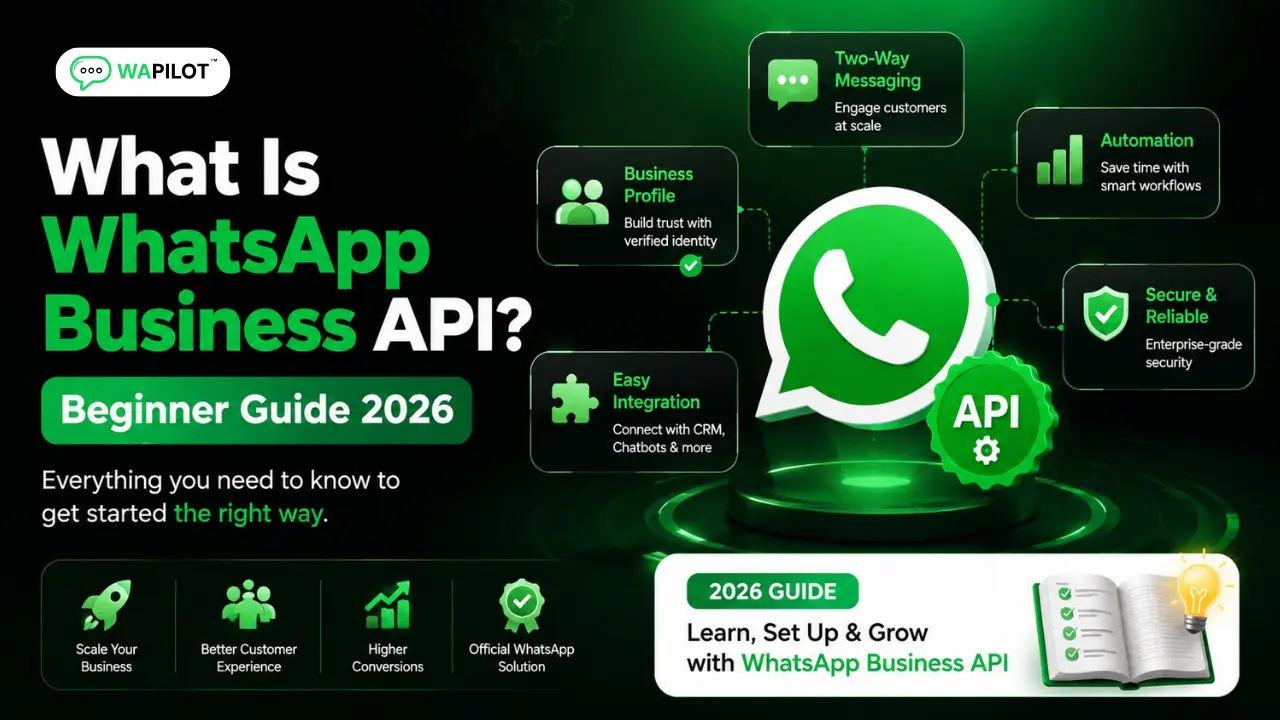
In this series — Part 1 of 6 (API Setup). · Next: WhatsApp Business App vs WhatsApp Business API:… · Series start
New to this topic? This guide is written for business owners and support teams — no developer background needed.
Still answering every chat from one phone? Searching what the WhatsApp Business API actually is before you buy a tool? Most teams only notice the gap when a second agent needs the same number, or when an unofficial bulk sender gets the account restricted.
The Business App is fine for a founder who replies to a handful of chats. It breaks when you need approved outbound, a shared inbox, or Click-to-WhatsApp ads that must not die on a locked screen. Unofficial “blast” apps look cheaper until Meta quality drops.
In this guide, you'll discover a plain definition, how Cloud API setup works, and who should move off a single handset — without unofficial gateways. As a WAPilot team that onboards official Cloud API numbers every week, we see the same miss: treating the API as a louder phone instead of a business system.
Official Cloud API is Meta’s hosted way for software to send and receive WhatsApp on your company number. Platforms such as WAPilot sit on that path so you get inbox, templates, and campaigns without writing Graph calls on day one. That is the beginner definition you can quote.
What is the WhatsApp Business API?
Sources: Meta’s Cloud API send-messages guide and messaging limits docs. We map those rules to WAPilot inbox and campaigns, not unofficial connectors.
Think of three layers. Personal WhatsApp is people. The Business App is one shop phone. Cloud API is the business system: software talks to Meta, agents work in a dashboard, and outbound marketing uses approved templates plus customer opt-in.
API does not mean you must code. On WAPilot you connect a number, submit templates, and send from the campaign screen. Developers can add webhooks later. Stay on official Cloud API if you care about quality rating and long-term sending power.
Use the Cloud API launch checklist before you chase volume. Documents, display name, and a real opt-in path matter more than a fancy chatbot on day one.
How does Cloud API setup work?
You verify the business in Meta Business Manager, link a WhatsApp number for API use, and connect a platform such as WAPilot. Then you get message templates approved for marketing, utility, or authentication. Customers write in, or you send templates to people who opted in. Chats land in a shared inbox.
When a customer messages you, Meta opens a service window for free-form session replies. When you message first, you typically need an approved template. Pair that with the WhatsApp quality rating habits so blocks do not stack on a new number.
Attributed example, from a WAPilot onboarding workspace (regional clinic, 2026): they kept festival offers on the Business App while two receptionists shared one PIN. Missed appointment chats piled up. They moved the number to official Cloud API, put utility reminders in templates, and staffed one inbox. Recovery was operational — verify, connect, then send — not a new unofficial tool.
Who should leave the Business App?
You likely need Cloud API if you send offers or reminders to many people, have more than one agent, run Click-to-WhatsApp ads, or want flows, catalog, or CRM assignment. You can wait if one person handles about 10–20 chats a day and you have no broadcast plan yet.
- Confirm the job. Team, campaigns, or ads means API. Solo support can stay on the App.
- Prepare Meta documents. Verification delays are usually paperwork, not the dashboard.
- Write opt-in language. Checkout, website, and ads must collect consent you can prove.
- Start with utility templates. Orders and appointments train trust before marketing.
- Assign quality ownership. Someone must watch blocks and pause noisy sends.
- Staff the inbox before ads. A locked phone is not a click-to-chat strategy.
- Skip unofficial blasters. Cheap gateways fail session and template rules and burn the number.
Rule sources: Meta’s send-messages (service window and session messages), template messages, and messaging limits. WAPilot inbox clocks sit on those rules; they are not extra Meta products.
Which mistakes burn a new number?
Jumping to bulk marketing before opt-in and templates are ready is the usual failure. So is ignoring Meta conversation fees when you only compare a platform price. So is leaving the company number on one personal phone with no backup process.
How we know: WAPilot ships official Cloud API inbox, campaigns, and templates. This guide is written from onboarding queues we debug with customers, mapped to Meta’s public Cloud API docs — not from unofficial gateways or invented lab tests.
FAQs
How long does recovery take after you stop bad traffic?
Plan on days for quality rating, and minutes for the next inbound to reopen a service window. Stopping noisy templates does not invent a new 24-hour clock. Wait for the customer to write, or send a relevant approved template.
Is Cloud API the same as WhatsApp Business API?
In everyday talk, yes: Cloud API is Meta’s hosted offering on the WhatsApp Business Platform. Platforms like WAPilot use that official path. It is not the same product as the free Business App on a phone.
Can we send session messages from a bot after 24 hours?
No. Bots follow the same Cloud API rules as humans. After the window, use a template or wait for the user. Routing to inbox does not change Meta's clock.
Does a bot-to-agent handoff reset the window on a shared number?
No. Meta counts one service window per customer-to-business thread. Two brands on one Cloud API number also share that clock. Split numbers or lock templates to the original intent.
Keep the API as a permission channel, not an email dump. Recap: official Cloud API, approved message templates, and opt-in before scale. Continue with WhatsApp Business App vs API to choose App or Cloud API for your team. When you are ready to connect without unofficial tools, start a free trial on WAPilot and keep delivery under your control.