In this series — Part 2 of 6 (API Setup). · Previous: What Is the WhatsApp Business API? Beginner’s C… · Next: How to Get WhatsApp Business API Access (Meta B… · Series start
Before you start: If you skipped earlier steps, read What Is the WhatsApp Business API? Beginner’s C… first so nothing here feels confusing.
App or API — mixing them up either wastes a platform fee or caps growth on one phone. Teams search WhatsApp Business App vs API when a second agent needs the number, or when Click-to-WhatsApp ads land and nobody is free to reply.
The Business App is free and fast for a founder. It breaks when chats are missed because the handset is in a bag, or when three people share one PIN. Unofficial bulk tools pretend to solve that and then burn quality.
In this guide, you'll discover where the App still wins, what official Cloud API unlocks, and the migration signs that mean you should move — without unofficial gateways. As a WAPilot team that migrates numbers onto Cloud API, we see the same miss: staying on the App “to save money” while ad leads go cold.
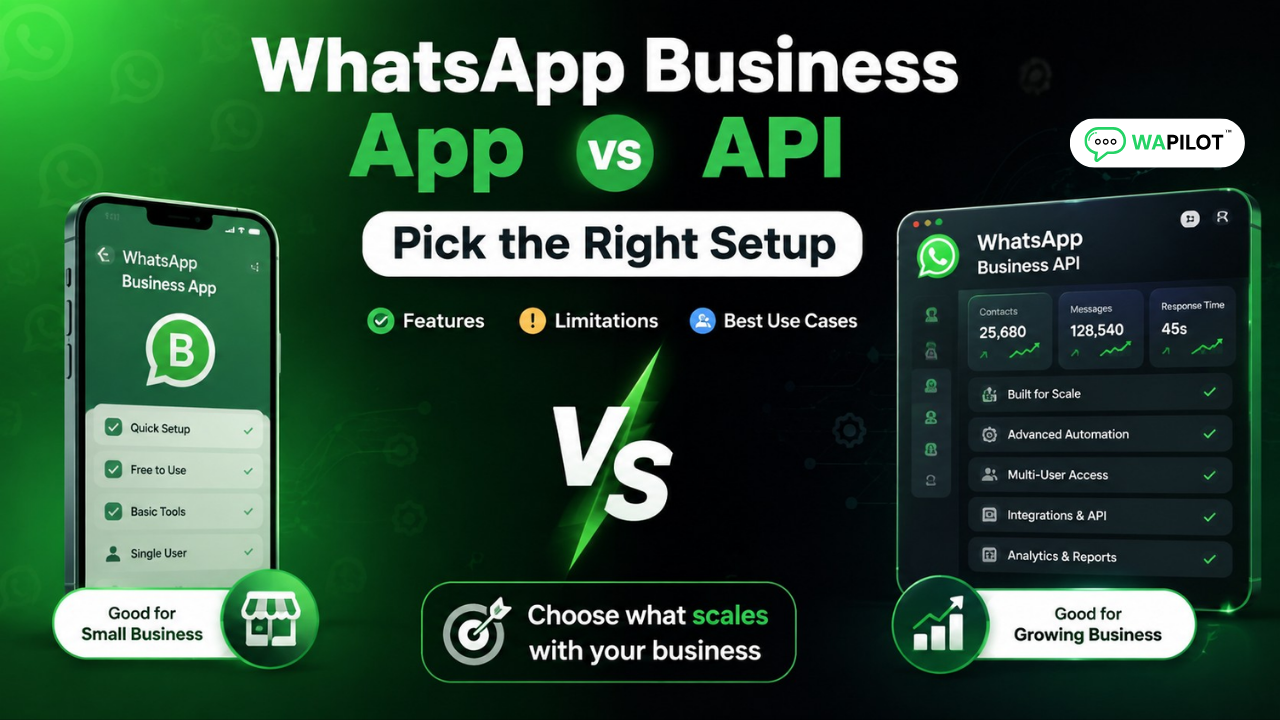
Use the App if one person handles low 1:1 volume. Choose Cloud API via WAPilot if you need a shared inbox, bulk templates, ads at scale, or CRM-style assignment. Side channel → App. Growth channel → API.
What is WhatsApp Business App vs API?
Sources: Meta’s Cloud API send-messages guide and messaging limits docs. We map those rules to WAPilot inbox ops, not unofficial blasters.
The Business App is a phone-first profile. Official Cloud API lets software send and receive on the company number. Read the definition in what the WhatsApp Business API is if you still need the beginner layer.
Same WhatsApp brand. Different product. The App has labels and quick replies. The API path adds approved message templates, campaigns, assignment, and reports.
How does the Business App break at scale?
Multiple people on one phone means double replies and no owner. Bulk campaigns and drip sequences are awkward. Click-to-WhatsApp traffic plus a locked screen is not an ads strategy. Flows, catalog orders, and grounded AI need Cloud API, not App add-ons.
Attributed example, from a WAPilot onboarding workspace (D2C apparel, 2026): two shop managers shared the Business App during a sale. Ad chats sat unread overnight. They moved to official Cloud API, split assignment, and put stock alerts in utility templates. Recovery was operational — migrate the number, staff inbox, then send — not a new blast app.
Protect the migrated number with the same WhatsApp quality rating habits you would use on any Cloud API send.
Which setup should your team choose?
Stay on the App if one person owns WhatsApp, volume is low, and you are not running ads at volume. Move to Cloud API if you broadcast, hire agents, run Click-to-WhatsApp, or need auditability in Meta Business Manager.
- Map the next 90 days. Ads budget, headcount, and campaign plans — any two rising usually means API.
- Count missed chats. If the phone is the bottleneck, software is cheaper than lost leads.
- Budget two cost layers. Platform fee plus Meta conversation charges by category and country.
- Plan opt-in before templates. API marketing is not the App’s casual forward list.
- Do not share App logins. Three agents on one PIN is not a team inbox.
- Migrate with display-name rules. Switching a live customer number needs a provider plan.
- Skip unofficial gateways. They fail session and template rules and look like “API” until the ban.
Rule sources: Meta send-messages (window and session messages), template messages, and messaging limits. Use the Cloud API launch checklist when you decide to move.
When should you migrate the number?
Upgrade when chats are missed because the phone moved, ad spend rose but reply speed fell, or customers ask who they are talking to. Complete profile and templates before a festival blast. History handling depends on Meta and your provider — plan downtime before you switch the live number.
How we know: WAPilot ships official Cloud API inbox, campaigns, and templates. This comparison is written from App-to-API migrations we run with customers, mapped to Meta’s public Cloud API docs — not from unofficial gateways or invented lab tests.
FAQs
How long does recovery take after you stop bad traffic?
Plan on days for quality, and minutes for the next user message to reopen a window. Leaving the App does not reset a burned reputation. Pause noisy sends, then wait for inbound or a valid template.
Can I use the App and Cloud API on the same number?
Generally a number is used in one mode. Moving from App to API has Meta process requirements. Follow your platform migration steps; do not run both as a workaround.
Can we send session messages from a bot after 24 hours?
No. After the service window, use a template or wait for the user. A Business App label does not change Cloud API clocks.
Does a bot-to-agent handoff reset the window on a shared number?
No. One thread, one clock. Two brands on one Cloud API number share that window, so a promo can land in a support chat after hours. Split numbers or lock template category to intent.
Recap: App for solo low volume; Cloud API for team, campaigns, and ads. Keep opt-in and templates honest. Next: get WhatsApp Business API access with Meta verification. When you are ready to run that loop on official Cloud API, start a free trial on WAPilot and keep delivery under your control.