In this series — Part 3 of 6 (API Setup). · Previous: WhatsApp Business App vs WhatsApp Business API:… · Next: How to Connect Your WhatsApp Number to Wapilot… · Series start
Before you start: If you skipped earlier steps, read WhatsApp Business App vs WhatsApp Business API:… first so nothing here feels confusing.
You chose Cloud API over the Business App — good call if WhatsApp is a growth channel. The next blocker is usually paperwork: what is WhatsApp Business API access, and what does Meta actually want before you can send?
Teams stall when the legal name on GST does not match the website, or when they register a temp SIM they cannot OTP later. Unofficial “instant API” sellers skip verification and then the number dies under quality limits.
In this guide, you'll discover what access means, what to prepare, how Meta business verification works, and the clean Embedded Signup path on WAPilot — without building raw Graph API plumbing. As a WAPilot team that walks customers through Meta portfolios every week, we see the same miss: rushing verify before the website and documents match.
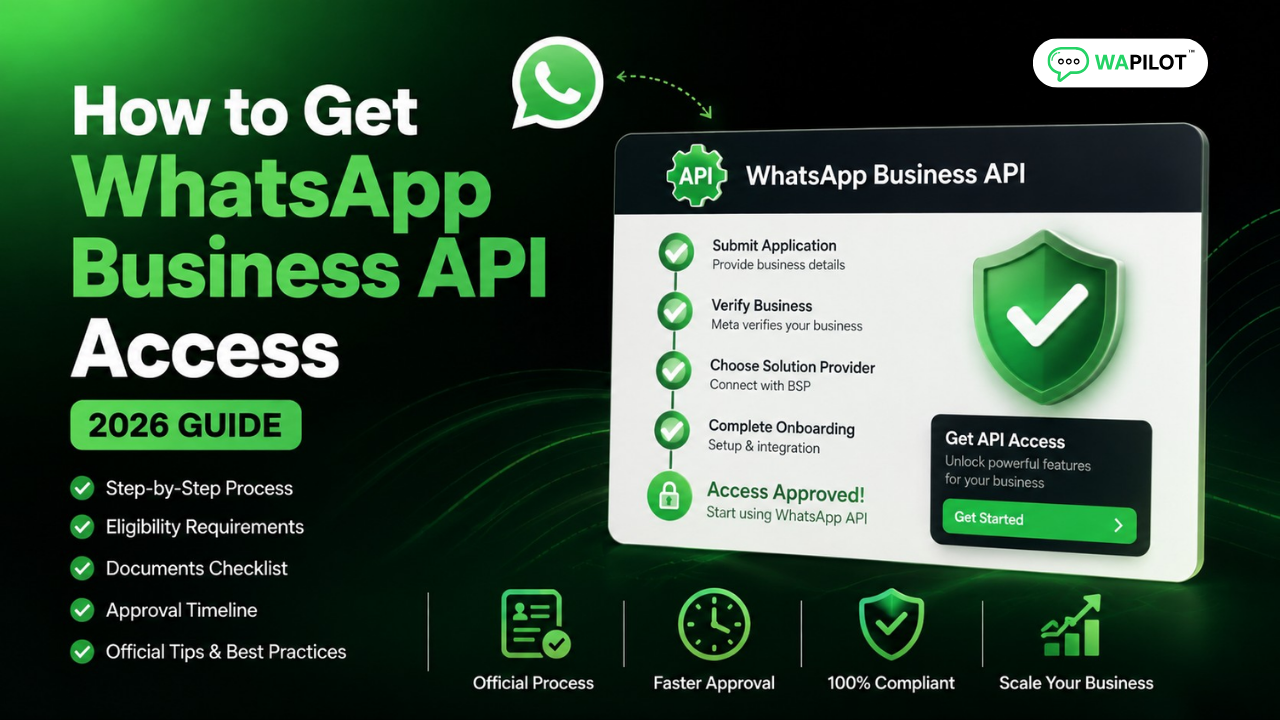
Access means a Meta Business Portfolio, verification when Meta requires it, a compliant phone number on Cloud API, and a platform connection. WAPilot Embedded Signup wraps that flow so non-developers finish core setup from Settings.
What is WhatsApp Business API access?
Sources: Meta’s Cloud API get-started guide and send-messages docs. We map those steps to WAPilot onboarding, not unofficial gateways.
It is not a secret download. You create or open a Meta Business Portfolio, complete business verification when prompted, attach a number for WhatsApp Cloud API, and connect a platform such as WAPilot. Only then can you create templates and run inbox plus campaigns on official infrastructure.
If you still need the beginner layer, read what the WhatsApp Business API is and App vs API. Use the Cloud API launch checklist to gather documents before you click verify.
What should you prepare before Meta review?
Keep legal business name, a live website with contact details, address, business documents for your country, a long-term phone number, and OTP access ready. Do not use a friend's personal SIM as production — losing OTP access later is expensive chaos.
Decide early whether the number is new or already on the WhatsApp Business App. Migration can interrupt live chats; plan downtime with your provider. Align display name intent with your brand before submit — rejections here delay go-live even when verification looks green.
Attributed example, from a WAPilot onboarding workspace (B2B services, 2026): verification sat in review for a week because the site said “ABC Traders” while GST said “ABC Trading Pvt Ltd.” They fixed the footer and resubmitted a sharp scan. Approval landed in two days — no new vendor, just matching names.
How does Meta business verification work?
Start verification from Business settings in Meta Business Manager. Submit details Meta shows for your country, upload requested documents, wait for review, and fix flagged items. Use Meta’s in-product checklist — generic internet lists go stale.
Sharp scans, current certificates, and clear business activity descriptions beat five support tickets. Verification supports trust and higher limits; it does not replace opt-in or approved templates for marketing. After access, protect sends with WhatsApp quality rating habits.
- Create the portfolio. Confirm you are admin; enter details that match legal docs.
- Submit verification. Upload only what Meta requests; names must match everywhere.
- Pick the phone number. Prefer unused numbers; plan migration if the App already owns it.
- Complete OTP. Keep SMS or voice path live during Embedded Signup.
- Connect Wapilot. Settings → WhatsApp → Embedded Signup in the app.
- Set display name. Honest brand text — no spammy ALL CAPS “OFFICIAL” claims.
- Book template work. Utility first, then marketing — see message templates setup.
Rule sources: Meta get-started (portfolio and Cloud API onboarding), template messages, and messaging limits. WAPilot Embedded Signup follows those steps; it does not bypass Meta review.
Which mistakes delay access the longest?
Half-built websites, name mismatches, blurry document photos, and numbers you do not control cause most delays. Rushing display name before the brand matches the site is another common stall. DIY webhook builds on day one rarely speed access — they add errors.
How we know: WAPilot ships official Cloud API onboarding and Embedded Signup weekly. This guide reflects verification queues we debug with customers, mapped to Meta’s public Cloud API docs — not unofficial instant-API sellers or invented timelines.
FAQs
How long does recovery take after you stop bad traffic?
Verification delays are usually days when docs are wrong, not minutes. Fix the listed rejection reason, align names, and resubmit. Quality rating after go-live is separate — plan days to recover from blocks once noisy sends stop.
Is Meta business verification mandatory?
Requirements depend on your limits and use case. Many serious setups complete verification for trust and higher access. Follow what Meta flags in your portfolio — do not skip requested steps.
Can I use my existing Business App number?
Sometimes, with careful migration. Prefer a clean unused number when possible. If you must move a live line, plan downtime and follow platform plus Meta guidance — do not flip modes as a workaround.
Does a bot-to-agent handoff reset the window on a shared number?
No. One customer thread, one service window. Two brands on one Cloud API number share that clock — split numbers before you scale support and promos on the same line.
Recap: portfolio, verification, compliant number, Embedded Signup. Next in this series: connect the number inside WAPilot. When you are ready, start a free trial and finish access on official Cloud API.