In this series — Part 4 of 5 (Getting Started). · Previous: Wapilot Dashboard Explained: Metrics, Status, a… · Next: Plans, Limits & Billing Setup: Choose the Right… · Series start
Before you start: If you skipped earlier steps, read Wapilot Dashboard Explained: Metrics, Status, a… first so nothing here feels confusing.
If everyone on your team is an admin, you are one mistake away from deleted campaigns or billing chaos.
Shared Owner logins erase accountability. Agents with billing access create surprises. Wrong-org invites scatter customer data across brands.
In this guide, you'll discover Wapilot team roles — Owner, Manager, Agent, plus custom permission matrices — how to invite correctly, and how to keep least privilege without slowing inbox work. As a WAPilot team that cleans up over-permissioned workspaces after growth hires, we see “make everyone Manager” create more incidents than missing canned replies.
Confirm teammates land in the correct organization after invite. Finish onboarding and a healthy WhatsApp connection before you scale the roster.
Operators who rush past team roles explained usually skip the boring checks — org name, connected number, and opt-in — then spend a week recovering quality. This walkthrough keeps the sequence honest so your team ships one clean win before volume.
Why do Wapilot team roles matter?
Sources: Meta's Cloud API get-started guide and phone number management docs. WhatsApp connection and customer chats are sensitive assets — role boundaries protect them inside Wapilot.
Roles protect billing, WhatsApp connection, customer data, campaign sends, and team changes. Give each person the least access needed. Managers watching quality should still check dashboard health and quality rating before blasts.
What can Owner, Manager, and Agent do?
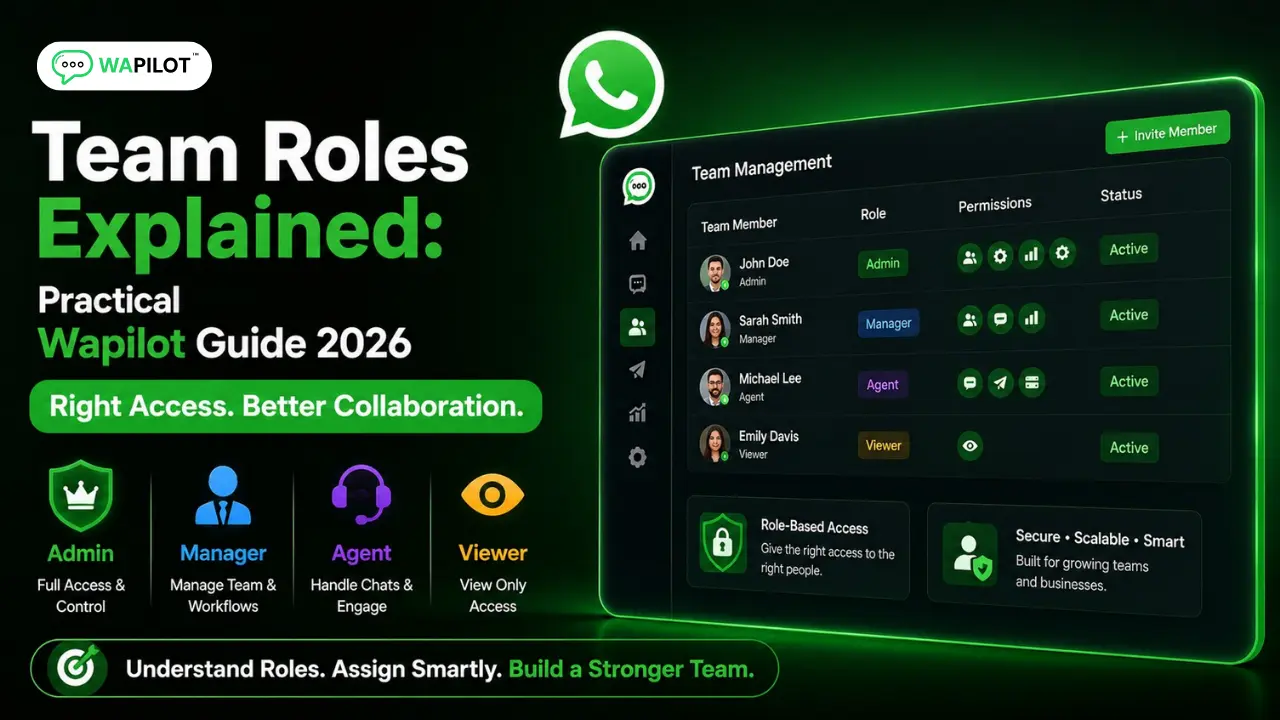
Owner is the organization creator / top authority: full workspace access, billing and plans, invite/remove team, critical settings including WhatsApp connection context via Settings → WhatsApp Embedded Signup, and cannot be removed like a normal member. Use Owner for founders / primary account holders — not every employee. Connect detail: connect WhatsApp to Wapilot.
Manager runs day-to-day ops: campaigns, templates, inbox ops, team and assignment settings, integrations as allowed, billing and most settings — almost full power without being Owner. Best for marketing, ops, or support leads.
Agent is inbox-focused: handles assigned chats, uses canned replies, limited or no billing / developer / full settings access, may be restricted to assigned chats, and phone numbers can be masked. Best for support executives and sales reps handling conversations.
Attributed example, from a WAPilot support workspace (edtech, 2026): six new hires were invited as Managers “for flexibility.” One changed billing mid-month and another edited a live campaign audience. Re-inviting conversation staff as Agents and keeping two Managers stopped accidental plan and send changes.
How does the custom permission matrix work?
Beyond the three defaults, Wapilot supports custom permissions so you can tighten or expand specific capabilities without promoting everyone to Manager. Start from Agent or Manager, then grant only the modules a person needs — for example campaign view without billing, or inbox + labels without developer tools.
Exact toggles can evolve — always confirm in your org’s Team settings on wapilot.io. Decision question: do they need billing and settings, or only chats? If only chats → Agent (or a custom Agent-like matrix).
- Open Team and invite by email.
- Choose Owner / Manager / Agent carefully — rarely Owner.
- Apply custom permissions only when a default role is too broad or too narrow.
- Confirm the correct organization before they accept.
- Set availability / assignment so chats do not pile on one star agent.
Rule sources: Meta Cloud API get-started and phone number management docs. Wapilot enforces role gates in the product UI; it does not replace Meta Business Portfolio admin rights.
What mistakes break team safety?
Making every hire a Manager. Agents with billing access. Inviting to the wrong organization. No assignment rules. Owner sharing one login instead of inviting users. Letting Agents launch unchecked marketing campaigns. One shared login for the whole team means no audit trail and painful offboarding.
Best practices: start Agents as Agents and promote only when needed; keep Owner count small; document who owns Meta assets vs day-to-day campaigns; train Managers on quality before big sends; review seats quarterly against plans and billing limits. Custom permission matrices help when someone needs campaigns but never billing, or inbox plus labels without developer tools — prefer that over promoting everyone to Manager. How we know: WAPilot operators audit permission incidents weekly against real workspace matrices — not generic “admin for everyone” advice.
FAQs
What is the difference between Manager and Agent?
Managers run ops (campaigns, settings, often billing). Agents focus on assigned chats with limited admin access. Custom permissions sit between those defaults when needed.
Who should be the Owner?
The primary account holder responsible for billing and the organization — not every team lead.
Should salespeople be Managers?
Only if they need campaigns/settings. Most conversation-only sellers work better as Agents.
Does a bot-to-agent handoff reset the window on a shared number?
No. One customer thread, one service window. Two brands on one Cloud API line share that clock — split numbers before you scale support and promos on the same line.
Recap: Owner for top authority, Manager for ops, Agent for inbox, custom permissions when defaults do not fit. Invite carefully, assign fairly, never make everyone an admin. When roles are clean, start a free trial and grow on official Cloud API.