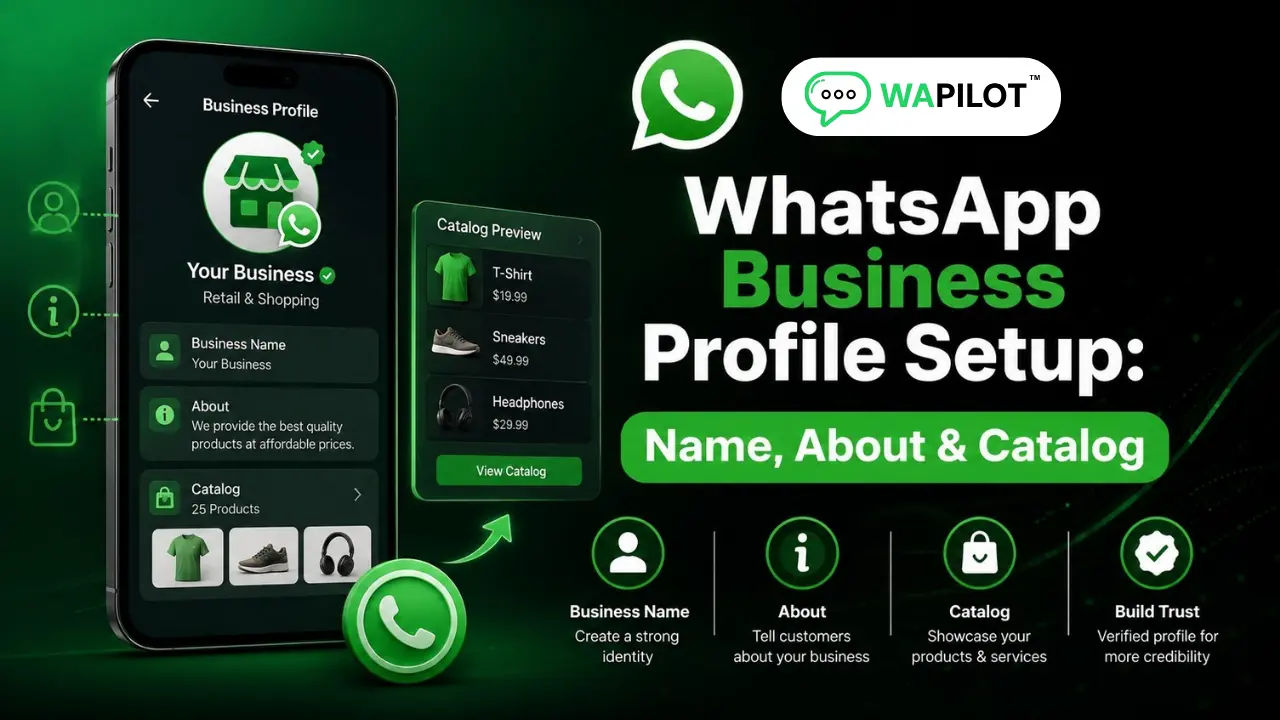
In this series — Part 5 of 6 (API Setup). · Previous: How to Connect Your WhatsApp Number to Wapilot… · Next: WhatsApp Quality Rating, Messaging Limits & How… · Series start
Before you start: If you skipped earlier steps, read How to Connect Your WhatsApp Number to Wapilot… first so nothing here feels confusing.
Your WhatsApp number is connected. Good. But if your WhatsApp Business profile setup looks empty or sketchy, customers hesitate even when the offer is strong.
Is this a real brand? Do I recognize the display name? Reply or block? Those decisions happen in seconds on WhatsApp Cloud API — before your first template lands.
In this guide, you'll discover why profile trust matters, how Meta display name approval works, what to put in your WhatsApp About line and business details, when to add a catalog link, and a checklist before campaigns — without keyword-stuffed names that get rejected. As a WAPilot team that reviews customer profiles before launch week, we see incomplete About lines cost more replies than weak copy.
A complete profile means an approvable display name, honest About text, a sharp logo, consistent website and contact details, and a catalog link only when products and prices are accurate. Polish this layer before you scale templates or campaigns.
Why does profile trust matter on WhatsApp?
Sources: Meta's Cloud API get-started guide and phone number management docs. Profile fields affect how customers perceive official business chats.
Unlike a website visit, WhatsApp feels personal. People glance at display name, photo, About, and whether the brand matches the ad or site they came from. A clean profile improves reply rates and reduces blocks — which protects quality rating later.
If you just connected, finish Embedded Signup connect steps first. For API basics, see what the WhatsApp Business API is.
What display name rules help Meta approval?
Use your real brand or business name. Avoid ALL CAPS spam, keyword stuffing, or fake OFFICIAL claims. Match website and legal brand where possible. Rejected display names delay go-live even when verification looks green.
Edit display name from Meta Business settings or the WhatsApp section in Wapilot Settings after connect. Submit honest brand text customers will recognize from your site and invoices — not a campaign headline.
Attributed example, from a WAPilot onboarding workspace (local services, 2026): Meta rejected BEST LOANS CHEAP OFFER as display name. They resubmitted the registered brand from GST and approval landed in two days — no new number, just aligned naming.
How do you set About, photo, and business details?
Your WhatsApp About field should be one or two honest lines: what you do, hours or region if relevant, and how you help — not a wall of keywords. Upload a sharp square logo customers recognize from your site and ads.
Keep website URL, email, and address consistent with documents used in Meta business verification. Mismatches erode trust and can flag review if customers report spam.
- Display name: brand-aligned, Meta-approvable.
- About: short, honest, no stuffing.
- Photo: recognizable logo or storefront.
- Details: website and contact match legal docs.
- Catalog: only when products and prices are live.
Rule sources: Meta phone number management and Cloud API profile guidance. Wapilot surfaces profile edits in Settings; it does not bypass Meta display name review.
When should you add a catalog link?
Add a catalog link when your product list, prices, and fulfillment process are accurate. An empty or outdated catalog hurts trust more than no catalog. Run a quick profile checklist before campaigns: display name approved, About filled, logo live, website matches ads, and opt-in path documented for marketing sends.
Commerce teams can expand later in the catalog series — start with profile basics before bulk campaigns so reply rates stay healthy from day one.
How we know: WAPilot customers who polish profile before first utility templates see fewer blocks in week one. This guide reflects display name rejections and About gaps we debug weekly, mapped to Meta's public Cloud API docs — not invented approval timelines.
FAQs
How long does display name approval take?
Often one to three business days when the name matches your brand and website. Rejections usually need a resubmit with corrected text — not a new number.
Can I change display name after campaigns start?
Sometimes, but Meta may re-review. Avoid frequent renames mid-campaign; customers notice header changes and may report unknown senders.
Does profile setup affect messaging limits?
Indirectly. Weak profiles increase blocks and reports, which hurt quality rating and limits. Profile polish is preventive, not a limit unlock by itself.
Does a bot-to-agent handoff reset the window on a shared number?
No. One customer thread, one service window. Two brands on one Cloud API line share that clock — split numbers before you scale support and promos on the same line.
Recap: approvable display name, honest About, sharp logo, consistent details, catalog when ready. Learn quality rating and limits before big sends. When profile is polished, start a free trial and grow on official Cloud API.