In this series — Part 2 of 5 (Getting Started). · Previous: Wapilot Onboarding Guide: From Signup to First… · Next: Wapilot Dashboard Explained: Metrics, Status, a… · Series start
Before you start: If you skipped earlier steps, read Wapilot Onboarding Guide: From Signup to First… first so nothing here feels confusing.
Running one brand is easy. Running two brands in the wrong workspace is how contacts, campaigns, and WhatsApp numbers get mixed — and customers get messages from the wrong business.
This guide explains Wapilot organizations: what they are, when you need more than one, how to create and switch them, and what stays separate so you send from the right business every time.
In this guide, you'll discover when to split workspaces, how to create and switch orgs, and the pre-send habit that prevents wrong-number campaigns — without forcing two brands into one “simple” inbox. As a WAPilot team that unravels mixed-org sends after agency handoffs, we see vague org names cause more damage than missing templates.
New to the product? Finish Wapilot onboarding from signup to first message before you scale multi-brand setup.
What are Wapilot organizations?
Sources: Meta's Cloud API get-started guide and phone number management docs. Each WhatsApp Business Account and number should map cleanly to one Wapilot workspace.
A Wapilot organization is one business workspace. Inside one org you typically manage WhatsApp connection, contacts and audiences, inbox and team, campaigns, flows, AI, and billing usage for that workspace. Your user login can access many organizations; business data does not auto-share.
If you are connecting WhatsApp for the first time, use Settings → WhatsApp Embedded Signup inside the correct org — see connect WhatsApp to Wapilot.
When do you need more than one organization?
Create separate organizations for different brands, client accounts, legal entities, WhatsApp numbers / Meta assets, or separate teams and billing. Do not force two brands into one org “to keep it simple.” Mixing creates messy contacts and wrong campaign sends — especially dangerous once you scale, which can hurt quality rating and messaging limits.
Typical pattern: one company, one number → single org. Two brands, two numbers → two orgs. Agency managing clients → one org per client. Same brand with a hard test sandbox → separate org if you need isolation.
Attributed example, from a WAPilot agency workspace (multi-brand retail, 2026): one Manager launched a festival blast while still in Client A’s org. Client B’s opted-in list never received it — Client A’s customers did. Renaming orgs to brand names and adding a pre-send org+number glance stopped the pattern.
How do you create and switch organizations safely?
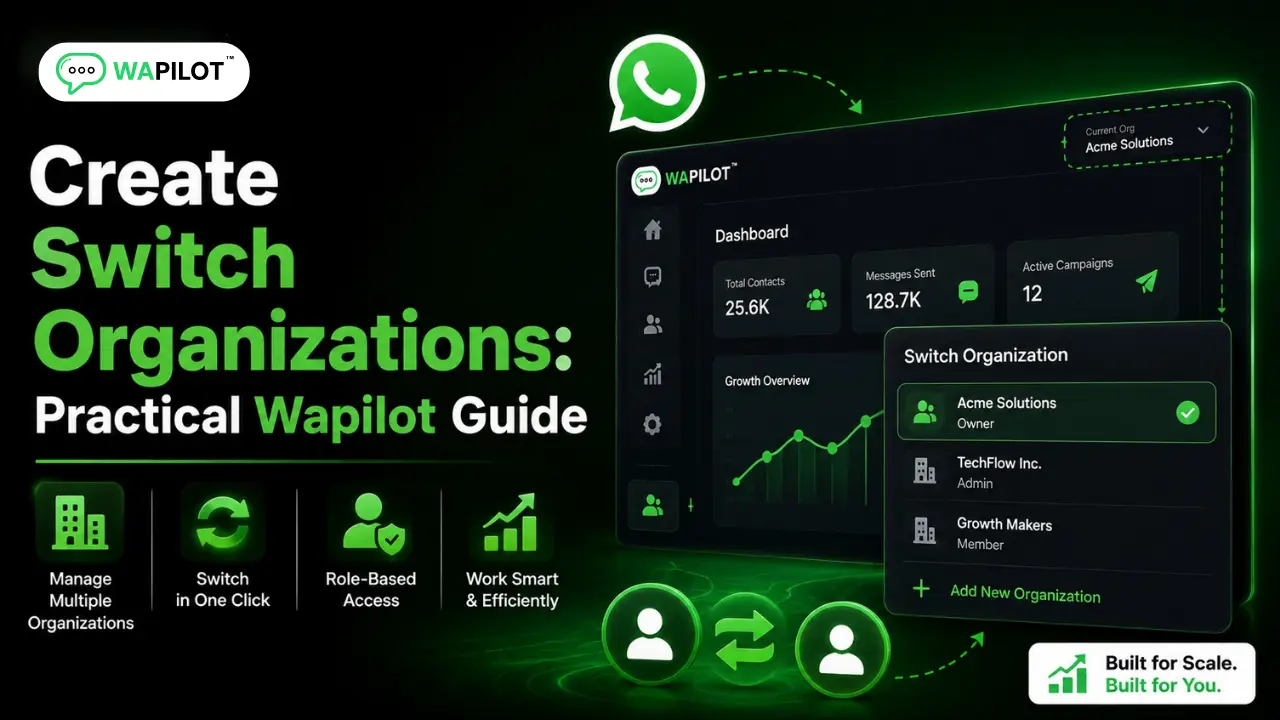
Sign in, open the organization menu / select-organization screen, click Create organization, enter a clear business name, complete onboarding, then connect WhatsApp for this org — do not assume another org’s Meta setup applies. Name orgs “Acme Retail” and “Acme Academy,” not “Org 1 / Org 2.”
To switch: open the org switcher, pick the organization, wait for the workspace to load, then confirm the org name before sending anything. After every switch, verify which WhatsApp number is connected, which inbox you are in, and which plan limits apply.
- Glance at the organization name before every campaign.
- Confirm the connected WhatsApp number.
- Confirm the audience belongs to this brand.
- Confirm the template is approved for this WhatsApp account — see message templates setup.
Rule sources: Meta Cloud API get-started and phone number management docs. Wapilot reloads workspace settings on switch; it does not merge contacts across orgs.
What stays separate across organizations?
Assume these do not auto-share: contacts, labels and audiences, template context tied to that WhatsApp account, campaigns and drip sequences (at /drip-sequences), flows and forms, team invites and roles (per org), and billing usage. Your user login is shared. Business data is not.
Agency best practices: one client or brand per org, document which Meta Business Portfolio maps to which org, invite Owner/Manager/Agent per org instead of one catch-all login, and train staff that “check org + number” is part of the send ritual. How we know: WAPilot operators debug wrong-org sends weekly against Meta’s public Cloud API asset model — not shared-inbox folklore.
FAQs
Can one login access multiple organizations?
Yes. The user account can switch orgs; each org’s data stays separate.
Should agencies put all clients in one organization?
Usually no. Separate orgs prevent contact mix-ups, wrong sends, and messy permissions.
Do I reconnect WhatsApp for each organization?
Each org that needs WhatsApp should run Embedded Signup with the correct Meta assets. One connect does not cover every org. Finish Meta access via business verification when portfolios differ.
Does a bot-to-agent handoff reset the window on a shared number?
No. One customer thread, one service window. Two brands on one Cloud API line share that clock — split numbers before you scale support and promos on the same line.
Recap: treat organizations as hard walls between brands and clients. Create clearly named orgs, switch deliberately, and always confirm org + number before you send. When workspaces are clean, start a free trial and grow on official Cloud API.